Android security: Protect your Android phone from hackers

Android security

Your Android phone holds your entire digital life – from banking apps to personal photos – making it a prime target for hackers and malware. This guide is for everyday Android users who want to keep their devices secure without becoming cybersecurity experts. Android security

Android phones face constant threats from malicious apps, phishing attacks, and data breaches that can steal your personal information or damage your device. The good news? You can protect yourself with simple security steps that take just minutes to set up.

We’ll walk you through setting up strong authentication methods like fingerprint locks and two-factor authentication to keep intruders out. You’ll also learn how to keep your Android system updated and choose safe apps from trusted sources. Finally, we’ll cover essential privacy settings and safe browsing habits that act as your first line of defense against online threats.

Secure Your Device with Strong Authentication
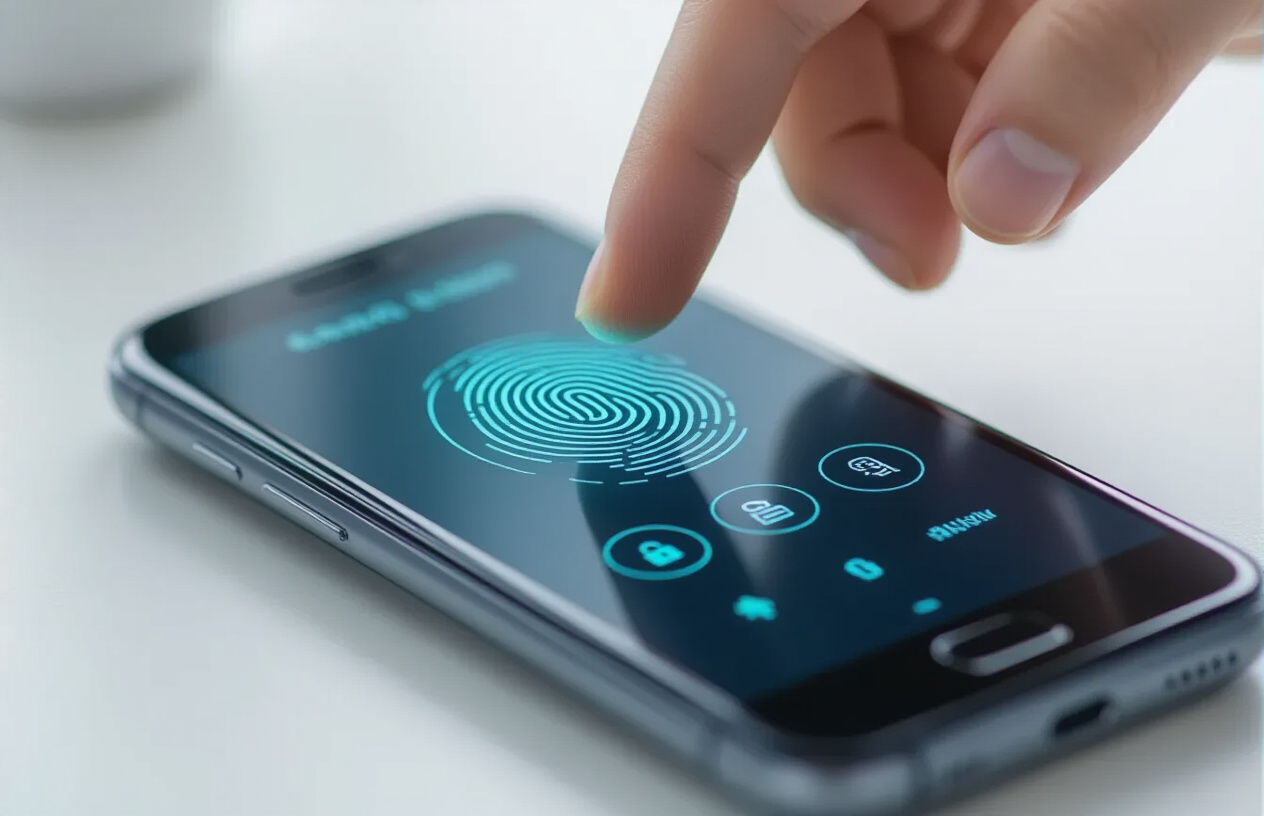
Create a realistic image of a close-up view of an Android smartphone displaying a security authentication screen with fingerprint scanner icon and PIN entry keypad, showing a finger hovering over the fingerprint sensor, placed on a clean modern desk with soft natural lighting from the side, creating a secure and professional atmosphere, with subtle blue and green security-themed color tones in the interface, absolutely NO text should be in the scene.

Set up a complex lock screen password or PIN

Your lock screen serves as the first line of defense against unauthorized access to your Android device. While a simple four-digit PIN might seem convenient, it’s surprisingly easy to crack. Smart attackers can guess common combinations like 1234, 0000, or birth years within minutes.

Instead, create a password that’s at least 8 characters long, combining uppercase and lowercase letters, numbers, and special characters. Avoid using personal information like your name, birthday, or pet’s name. Pattern locks might look secure, but finger smudges on your screen can reveal your unlock sequence to anyone paying attention.

If you absolutely must use a PIN, make it at least 6 digits long and avoid predictable sequences. Random combinations like 749382 are much harder to guess than 123456. Change your lock screen credentials every few months, especially if you suspect someone might have seen you entering them.

Enable fingerprint or face recognition for enhanced security

Biometric authentication adds a powerful security layer while keeping your device easy to access. Your fingerprint is unique and nearly impossible to replicate, making it far more secure than traditional passwords. Modern Android devices capture multiple angles of your fingerprint, creating a detailed map that’s extremely difficult to fake.

When setting up fingerprint recognition, register multiple fingers – ideally your thumb and index finger from both hands. This gives you backup options if one finger is injured, wet, or dirty. Clean your fingerprint sensor regularly with a soft cloth to ensure consistent recognition.

Face recognition has improved dramatically in recent years. The best implementations use infrared sensors and multiple cameras to create a 3D map of your face, making them resistant to photo-based attacks. However, face unlock can struggle in low light conditions or when you’re wearing sunglasses, masks, or hats.

Activate two-factor authentication on all accounts

Two-factor authentication (2FA) transforms your accounts from single-point failures into fortress-like security systems. Even if hackers steal your password, they still can’t access your accounts without the second authentication factor.

Start with your most critical accounts: email, banking, social media, and cloud storage. Most major services now support 2FA through SMS codes, authenticator apps, or hardware keys. Authenticator apps like Google Authenticator, Authy, or Microsoft Authenticator are generally more secure than SMS codes, which can be intercepted through SIM swapping attacks.

When possible, use app-based authentication or hardware security keys rather than SMS. These methods generate time-sensitive codes that change every 30 seconds, making them virtually impossible for attackers to use even if they intercept them. Keep backup codes in a secure location – losing access to your authenticator app without backup codes can lock you out of your own accounts permanently.

Configure automatic screen timeout settings

Your screen timeout setting determines how long your device stays unlocked after you stop using it. Leaving your phone unlocked for extended periods creates opportunities for unauthorized access, especially in public spaces or shared environments.

Set your screen timeout to 30 seconds or 1 minute maximum. While shorter timeouts might seem inconvenient, they significantly reduce your exposure window. If you’re actively using your device, the screen will stay on, and you can always wake it quickly with a tap or button press.

Consider using Smart Lock features that keep your device unlocked in trusted locations like your home or when connected to trusted Bluetooth devices like your car or fitness tracker. This provides convenience without sacrificing security when you’re in safe environments.

Keep Your Android System Updated and Protected for Your Android Security
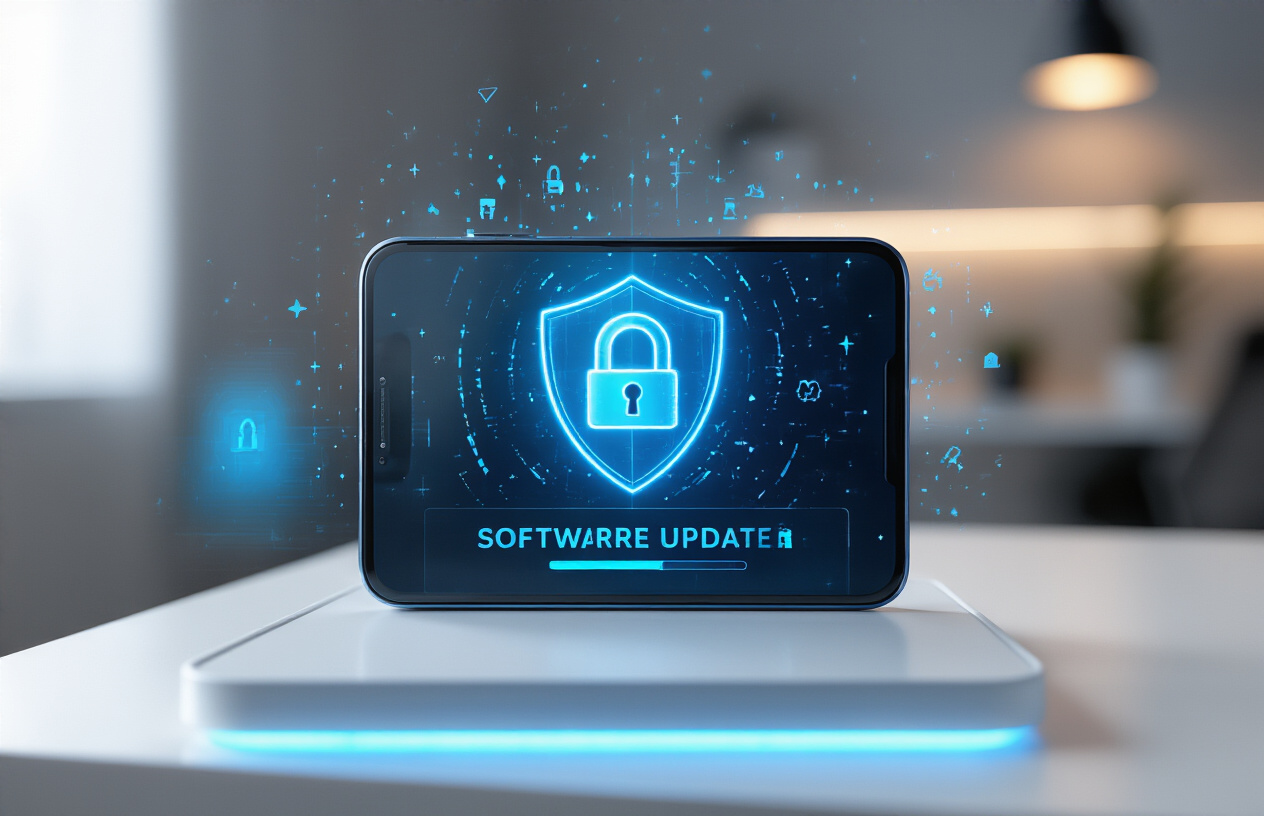
Create a realistic image of a modern Android smartphone displaying a software update notification screen with a security shield icon prominently featured, placed on a clean white desk surface with subtle blue lighting that conveys security and protection, showing the phone's screen with update progress indicators and security symbols, maintaining a professional and tech-focused atmosphere that emphasizes digital protection and system maintenance, absolutely NO text should be in the scene.

Enable Automatic Security Updates from Google

Your Android device receives regular security patches from Google that fix vulnerabilities and protect against newly discovered threats. Head to your device’s Settings, then tap “System” or “Software update” (depending on your Android version). Look for “System update” or “Security update” options and enable automatic downloads. This ensures your phone downloads critical security fixes as soon as Google releases them.

Google Play System Updates work differently from regular Android updates. These happen automatically in the background and don’t require a full system restart. You can check their status by going to Settings > Security > Google Play system update. These updates patch core Android components and Google Play services, creating multiple layers of protection against malware.

Some manufacturers like Samsung, OnePlus, or Xiaomi add their own security update schedules on top of Google’s patches. Check your manufacturer’s settings for additional update options. Monthly security patches are standard, but newer devices often receive updates more frequently.

Install Updates for All Apps Regularly

Apps with outdated versions create security holes that hackers love to exploit. Open Google Play Store and tap your profile picture, then select “Manage apps & device.” You’ll see a list of available updates. Tap “Update all” to install them at once.

Enable automatic app updates by going to Google Play Store settings and selecting “Auto-update apps.” Choose “Over Wi-Fi only” to avoid using mobile data for large updates. This keeps your apps current without manual intervention.

Pay special attention to updates for banking apps, social media platforms, and messaging apps. These handle sensitive personal information and are frequent targets for cybercriminals. Security updates for these apps often include patches for serious vulnerabilities.

Don’t ignore update notifications from individual apps. Many developers push critical security fixes through their own update systems outside of Google Play Store. Banking apps and antivirus software commonly use this method for urgent patches.

Remove Outdated Apps You No Longer Use for Android Security

Unused apps sitting on your phone create unnecessary security risks. Apps that haven’t been updated in months or years likely contain known vulnerabilities. Go through your app drawer monthly and uninstall anything you haven’t used recently.

Apps from defunct companies or developers who’ve stopped providing updates pose particular risks. These “zombie apps” never receive security patches, making them perfect entry points for malware. Check the last update date for each app in Google Play Store before keeping it installed.

Certain app categories deserve extra scrutiny. Remove old photo editing apps, games you’ve completed, outdated fitness trackers, and experimental apps you tried once. These often request broad permissions and collect personal data even when inactive.

Use Android’s built-in storage analysis to identify apps taking up space without providing value. Go to Settings > Storage > Apps to see which applications consume the most resources. Large, unused apps not only waste storage but also run background processes that could be compromised.

Download Apps Safely from Trusted Sources
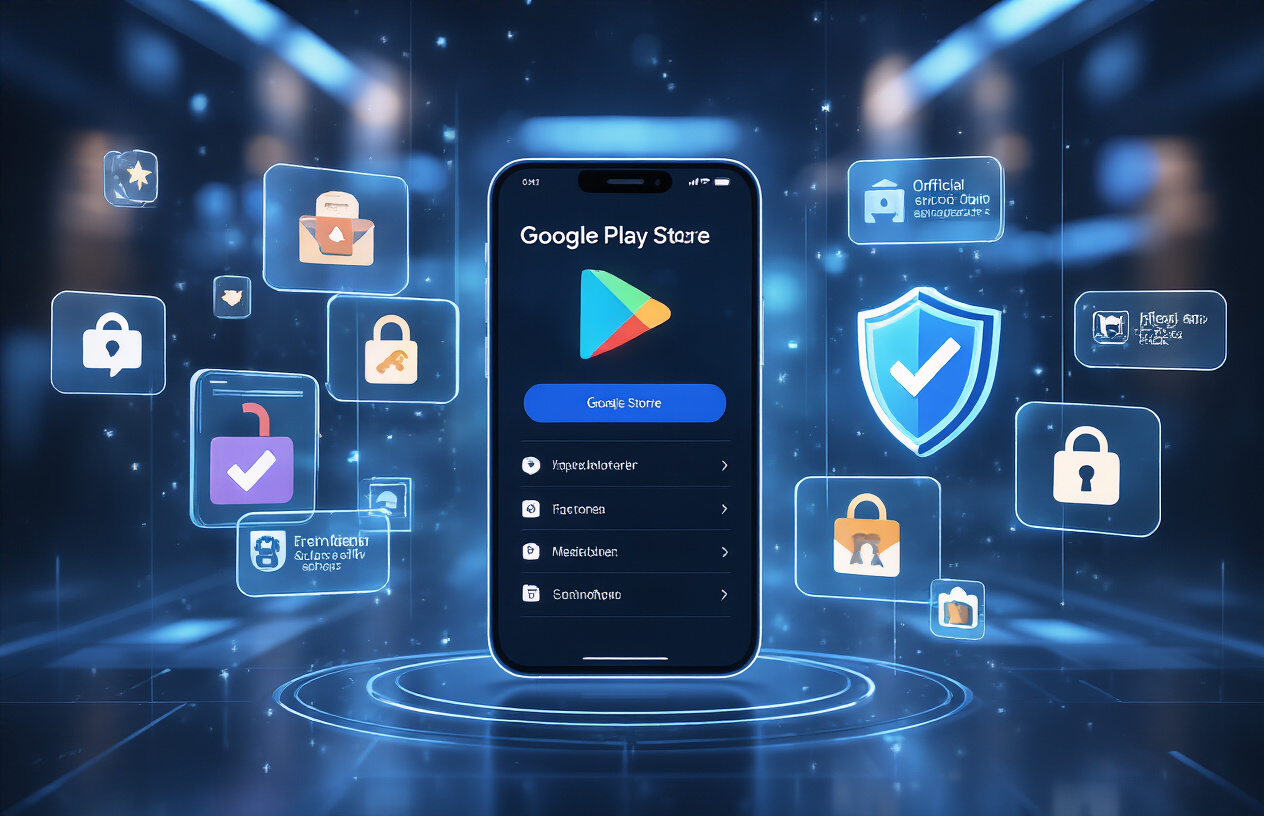
Create a realistic image of a smartphone screen displaying the official Google Play Store app with verified checkmarks and security badges visible, surrounded by floating holographic icons representing trusted app sources like official store logos, while malicious-looking apps with warning symbols are being blocked by a protective shield barrier, set against a clean modern tech background with soft blue lighting, absolutely NO text should be in the scene.

Stick to the Google Play Store for app installations for Android Security

Google Play Store serves as your first line of defense against malicious apps. Google’s Play Protect system continuously scans apps for malware, removing threats before they reach your device. The platform requires developers to meet strict security standards and comply with privacy policies, making it significantly safer than alternative sources. Read this Bank Apps: 7 Ways Yahoo Boys Can Hack Your Bank App

While the Play Store isn’t perfect, it catches roughly 99% of potentially harmful applications through automated scanning and human review processes. The store also provides automatic security updates for installed apps, keeping your software patched against newly discovered vulnerabilities.

Read app reviews and check developer credentials before downloading

Smart users dig deeper than just looking at star ratings. Read recent reviews to spot patterns of complaints about suspicious behavior, excessive battery drain, or unexpected ads. Pay attention to one-star reviews that mention privacy concerns or unusual app behavior.

Check the developer’s name and look for their official website or contact information. Legitimate developers typically maintain professional websites and respond to user concerns. Be cautious of apps from developers with generic names or no verifiable online presence. Look at their other published apps – established developers usually have multiple quality applications with consistent branding and user feedback.

Avoid sideloading apps from unknown websites

Sideloading bypasses Google’s security screening entirely, opening your device to significant risks. Third-party app stores and random websites often host modified versions of legitimate apps that contain hidden malware, adware, or spyware.

These unofficial sources lack the security infrastructure to properly vet applications. Even seemingly innocent apps from these sources can contain keyloggers, banking trojans, or ransomware. Popular apps like modified versions of social media platforms or games from unofficial sources are common attack vectors.

If you must sideload an app, only use reputable sources like F-Droid for open-source applications, and always scan downloaded APK files with multiple antivirus tools before installation.

Verify app permissions before granting access for Android Security

Modern Android versions show permission requests when apps first try to access sensitive features. Don’t just tap “Allow” automatically – think about whether the requested permission makes sense for the app’s function.

A flashlight app shouldn’t need access to your contacts, location, or camera. Gaming apps rarely need access to your phone calls or SMS messages. Photo editing apps logically need camera and storage access, but shouldn’t require microphone permissions.

Review granted permissions regularly through Settings > Apps > [App Name] > Permissions. Revoke any permissions that seem unnecessary or suspicious. Android’s permission system is granular – you can often allow storage access while denying location access for the same app.

Be especially cautious with permissions for device administration, accessibility services, or the ability to install other apps, as these can give malicious software deep system access.

Install and Configure Anti-Malware Protection
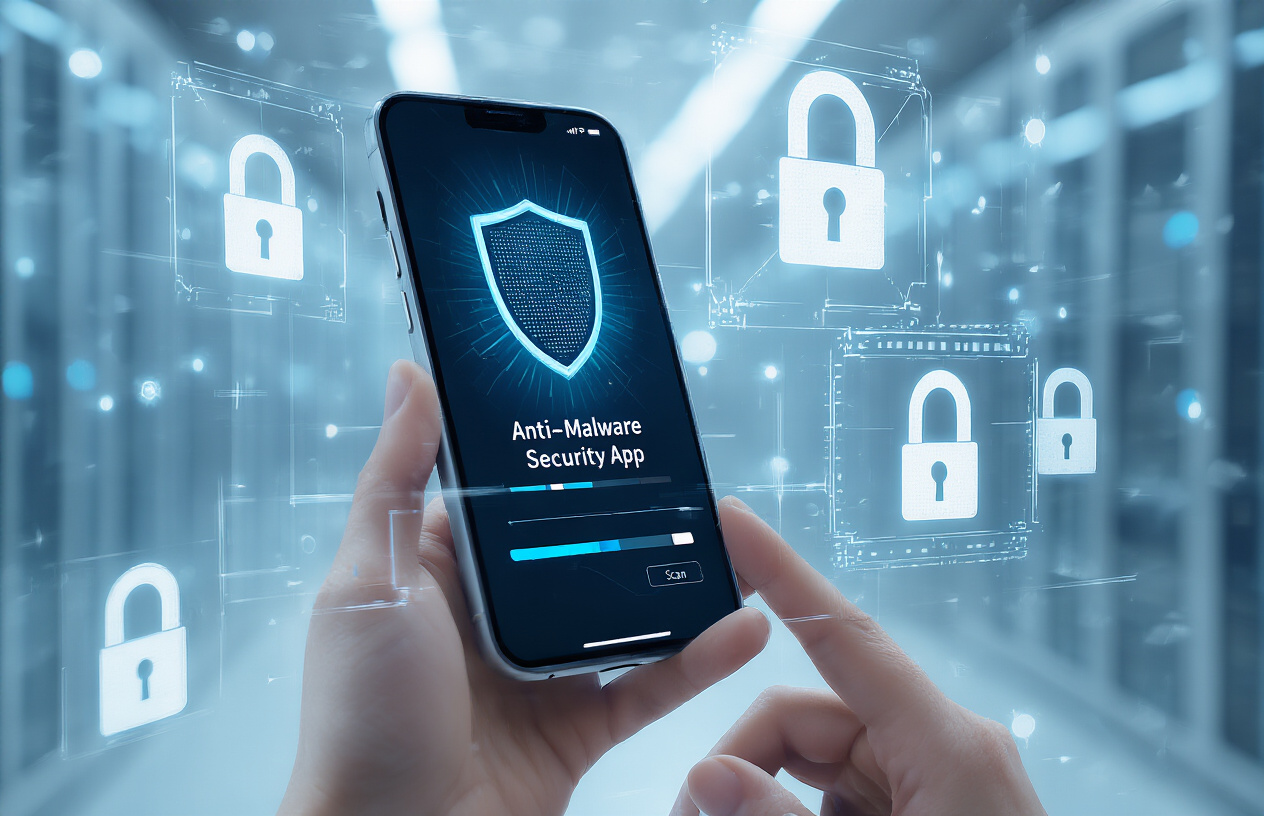
Create a realistic image of a modern smartphone displaying an anti-malware security app interface with a shield icon and scan progress, surrounded by digital security elements like padlock symbols and protective barriers, set against a clean tech-focused background with soft blue lighting, showing the phone being held by human hands, absolutely NO text should be in the scene.

Choose a reputable mobile security app

Selecting the right mobile security app is your first line of defense against Android threats. Look for established brands like Norton Mobile Security, Bitdefender Mobile Security, or Kaspersky Mobile Antivirus. These companies have proven track records and regularly update their threat databases.

When evaluating security apps, check their detection rates from independent testing labs like AV-TEST or AV-Comparatives. Apps with 99%+ malware detection rates offer the best protection. Also consider the app’s impact on battery life and system performance – some security apps are notorious resource hogs that slow down your phone.

Free versions often provide basic protection, but premium versions include advanced features like anti-theft tools, VPN access, and privacy scanners. Read user reviews carefully, paying attention to complaints about false positives or system crashes.

Enable real-time scanning and threat detection

Real-time protection monitors your device continuously, scanning apps as they install and run. This feature catches threats before they can damage your system or steal your data. Most security apps enable this by default, but double-check in your app’s settings.

Configure your security app to scan downloaded files immediately, monitor app permissions, and check links in messages or emails. Some apps can even scan QR codes before you visit malicious websites. Enable all available real-time protection features – the slight battery drain is worth the security benefits.

Set up instant notifications for detected threats so you can respond quickly. Your security app should alert you immediately when it blocks suspicious activity or finds potential malware.

Schedule regular full device scans for Android Security

While real-time protection handles immediate threats, scheduled full scans catch anything that might have slipped through. Set up weekly deep scans during times when you’re not actively using your phone, like overnight or during work hours.

Full scans examine every file, app, and system component for signs of malware or suspicious behavior. They can detect dormant threats, corrupted files, and privacy violations that real-time scanning might miss. Configure scans to check external storage cards and cloud-connected folders if your security app supports it.

Most apps let you customize scan intensity – choose thorough scans over quick ones for maximum protection, even if they take longer to complete.

Keep your security app updated automatically

Enable automatic updates for your security app to ensure you have the latest threat definitions and security patches. Cybercriminals constantly develop new malware variants, so your protection needs frequent updates to stay effective.

Most security apps update their malware databases multiple times daily. Check that your app is configured to download these updates automatically, preferably over Wi-Fi to save mobile data. Some apps also update their core scanning engines periodically – these larger updates are crucial for maintaining protection against evolving threats.

Review your app’s update history occasionally to confirm it’s receiving regular updates. If updates stop coming or become infrequent, consider switching to a more actively maintained security solution. Check this out Protect BVN from fraud: What Every Nigerian Must Know

Protect Your Personal Data and Privacy
Create a realistic image of a smartphone with a digital shield or lock icon hovering above it, surrounded by glowing privacy symbols like padlocks, eye icons with slashes, and fingerprint symbols, set against a clean modern tech background with soft blue and green lighting, conveying security and protection, absolutely NO text should be in the scene.

Review and Limit App Permissions Regularly

Most Android users install apps without checking what permissions they request. Your flashlight app doesn’t need access to your contacts, and that photo editor probably doesn’t need to know your location. Apps often ask for far more permissions than they actually need to function properly.

Check your app permissions monthly by going to Settings > Privacy > Permission Manager. Here you can see which apps have access to your camera, microphone, location, contacts, and other sensitive data. Remove permissions that seem unnecessary or suspicious. For example, if a calculator app requests access to your phone’s camera or contacts, that’s a red flag.

Pay special attention to permissions for newer apps you’ve recently installed. Social media apps, gaming apps, and free utilities are notorious for requesting excessive permissions to harvest user data.

Turn Off Location Tracking for Unnecessary Apps

Location data reveals incredibly personal information about your daily routines, work schedule, and private activities. Weather apps need your general location, but most other apps don’t require precise GPS tracking to function.

Navigate to Settings > Location > App permissions to review which apps can track your whereabouts. Turn off location access for apps that don’t genuinely need it. For apps that do need location data, consider choosing “Only while using app” instead of “Allow all the time.”

Google and other tech companies use location data to build detailed profiles for targeted advertising. Limiting location tracking reduces this data collection while also improving your battery life.

Use Secure Messaging Apps with End-to-End Encryption

Standard SMS messages travel across networks in plain text, making them easy targets for hackers. Switch to messaging apps that offer end-to-end encryption, where only you and the recipient can read your messages.

Signal stands out as the gold standard for secure messaging, offering robust encryption with a user-friendly interface. WhatsApp also provides end-to-end encryption, though it collects more metadata than Signal. Telegram offers encrypted chats, but only in “Secret Chat” mode.

These apps protect your conversations from network intrusions, government surveillance, and data breaches at telecom companies. They’re especially important when discussing sensitive topics or sharing personal information.

For Android Security: Avoid Saving Sensitive Information in Unsecured Apps

Never store passwords, credit card numbers, or Social Security numbers in unsecured apps like basic note-taking apps or photo galleries. These apps typically don’t encrypt your data, leaving sensitive information exposed if hackers gain access to your device.

Use dedicated password managers like Bitwarden or 1Password, which encrypt your credentials and offer secure sharing features. For sensitive documents, consider encrypted storage apps or cloud services that offer zero-knowledge encryption.

Banking apps and payment services usually have strong security measures, but avoid saving financial information in shopping apps or browsers without proper encryption verification.

Enable Remote Wipe Capabilities for Lost Devices

Losing your phone doesn’t have to mean losing control of your personal data. Android’s built-in Find My Device feature allows you to locate, lock, or completely wipe your phone remotely through your Google account.

Activate Find My Device by going to Settings > Security > Find My Device and ensuring it’s turned on. This feature works even if your phone is offline, executing commands when it reconnects to the internet.

Consider adding your phone to Google’s trusted devices list and setting up alternative contact methods for account recovery. If your device contains extremely sensitive information, remote wiping might be your best option to prevent unauthorized access, even though you’ll lose your data permanently.

For Android Security: Practice Safe Browsing and Network Habits
Create a realistic image of a young Asian male sitting at a modern desk using an Android smartphone with a focused, cautious expression, surrounded by subtle visual elements representing safe digital practices including a secure WiFi router with green LED lights, a laptop displaying a shield icon on the screen, and warning symbols floating discretely around unsafe website icons, set in a well-lit home office environment with clean, professional lighting that conveys security and digital safety awareness, absolutely NO text should be in the scene.

For Android Security: Avoid clicking suspicious links in emails or messages

Cybercriminals love using fake links to trick Android users into downloading malware or sharing personal information. These malicious links often appear in text messages, emails, or social media messages that look legitimate but aren’t. Common tactics include fake delivery notifications, urgent security alerts from “banks,” or too-good-to-be-true offers.

Before clicking any link, take a moment to examine it closely. Suspicious signs include:

  • Shortened URLs (bit.ly, tinyurl.com) that hide the real destination
  • Misspelled domain names like “amazom.com” instead of “amazon.com”
  • Urgent language demanding immediate action or threatening account closure
  • Messages from unknown senders claiming to be from legitimate companies

Instead of clicking directly, hover over links to preview the destination URL. If you’re unsure about a message claiming to be from your bank or a service you use, open your browser separately and go to the official website directly. Most legitimate companies will display the same information in your account dashboard.

When in doubt, don’t click. Delete suspicious messages immediately and report them as spam to help protect other users from the same threats.

Use secure Wi-Fi networks and avoid public hotspots for sensitive activities

Public Wi-Fi networks at coffee shops, airports, and hotels are convenient but extremely risky for your Android device. These networks often lack encryption, making it easy for hackers to intercept your data. Even worse, cybercriminals sometimes create fake hotspots with names like “Free WiFi” or “Airport WiFi” to steal your information.

For everyday browsing and social media, public Wi-Fi might be acceptable, but never use it for:

  • Online banking or financial transactions
  • Shopping with credit cards
  • Accessing work emails or sensitive documents
  • Logging into important accounts

When you must use public Wi-Fi, consider these safety measures:

Security MethodProtection LevelBest For
VPN ServiceHighAll sensitive activities
Mobile HotspotHighWhen you have data allowance
Wait Until HomeMaximumBanking and financial tasks

Your cellular data connection is much safer than public Wi-Fi because it’s encrypted. If you need to do something important while out, use your phone’s mobile hotspot feature instead of connecting to unknown networks.

Enable HTTPS-only browsing mode for Android Security

HTTPS encryption protects the data flowing between your Android device and websites you visit. Without it, anyone on the same network can potentially see what you’re doing online. Most modern browsers now offer HTTPS-only mode, which automatically redirects you to secure versions of websites.

To enable this protection in Chrome:

  • Open Chrome settings
  • Go to Privacy and Security
  • Select “Use secure connections”
  • Choose “Always use secure connections”

This setting forces your browser to use HTTPS whenever possible. If a website doesn’t support secure connections, you’ll get a warning before proceeding. Pay attention to these warnings – they’re protecting you from potentially unsafe sites.

Look for the padlock icon in your browser’s address bar when visiting websites. This confirms your connection is encrypted. Never enter passwords, credit card numbers, or personal information on sites without this security indicator, especially when using public Wi-Fi networks. Meet the writer, Akere Paul
Create a realistic image of a sleek black Android smartphone lying on a clean white desk surface with a subtle digital security shield hologram projection glowing in blue light above the phone screen, surrounded by soft ambient lighting that creates a secure and protected atmosphere, with minimalist tech elements like a laptop partially visible in the blurred background, conveying a sense of digital safety and cybersecurity protection, absolutely NO text should be in the scene.

Your Android phone holds your entire digital life, and protecting it doesn’t have to be complicated. Strong passwords, regular updates, and sticking to official app stores create your first line of defense. Anti-malware apps add another layer of security, while being mindful of what you share and where you browse keeps hackers at bay. You can contact us

The best security strategy combines all these approaches rather than relying on just one. Start with the basics today – update your phone, review your app downloads, and strengthen your passwords. Your future self will thank you when your personal information stays exactly where it belongs: safe and secure in your hands. Android Security

Protect BVN from fraud: What Every Nigerian Must Know

Your Bank Verification Number (BVN) connects every aspect of your financial life in Nigeria, but millions of Nigerians don’t fully understand the security risks they face daily. Protect BVN from fraud, concerns are growing as fraudsters develop more sophisticated methods to steal this crucial 11-digit identifier that links all your bank accounts.

This comprehensive guide is for every Nigerian who has a BVN – from students opening their first account to business owners managing multiple banking relationships. You need to understand how to protect BVN from fraud because once compromised, the damage can spread across your entire financial network.

We’ll explore the major threats targeting your Bank Verification Number safety, including phishing scams and data breaches that specifically target BVN information. You’ll also learn practical steps to strengthen your BVN data protection and recognize the early warning signs that your BVN security may already be at risk. Finally, we’ll cover the immediate actions you must take if your BVN falls into the wrong hands.

Your financial security depends on understanding these threats and taking action before it’s too late.

Understanding Your BVN and Its Critical Role in Nigerian Banking

Create a realistic image of a black Nigerian male banking professional in business attire sitting at a modern office desk, examining official banking documents and forms related to Bank Verification Number processes, with a computer screen displaying banking interface in the background, set in a contemporary Nigerian bank office environment with warm professional lighting, Nigerian flag subtly visible on the wall, calculator and pen on desk, conveying trust and financial security, absolutely NO text should be in the scene.

What Your BVN Contains and Why Banks Need It

Your Bank Verification Number is like a digital fingerprint that captures essential details about your identity. The BVN security Nigeria system stores your full name, date of birth, phone number, and most importantly, your biometric data including fingerprints and facial recognition features. Banks also record your residential address and next of kin information during BVN enrollment.

Banks require your BVN for several critical reasons. First, it serves as a universal identifier that prevents identity fraud and duplicate account creation. When you walk into any bank in Nigeria, your BVN instantly verifies you’re the legitimate account holder. The system also helps banks comply with Know Your Customer (KYC) regulations mandated by the Central Bank of Nigeria.

Your BVN acts as a gateway to financial services. Without it, you can’t open new accounts, access loans, or perform high-value transactions. Banks use BVN data to assess your creditworthiness by reviewing your banking history across different financial institutions. This comprehensive view helps them make informed lending decisions while protecting both parties from fraud.

The biometric components make your BVN nearly impossible to replicate. Your fingerprints and facial features create unique markers that fraudsters can’t easily duplicate, making Bank Verification Number safety a cornerstone of modern Nigerian banking.

How BVN Links All Your Financial Activities Across Nigeria: protect BVN from fraud

Your BVN creates an interconnected web that spans every bank account you own across Nigeria. When you open an account at any financial institution, they immediately link it to your existing BVN profile. This connection means banks can instantly see your complete banking footprint, including accounts at competing institutions.

The system tracks your transaction patterns, account balances, and loan histories across all banks. If you have a savings account with Access Bank, a current account with GTBank, and a loan with First Bank, your BVN ties them all together. This comprehensive view helps banks detect unusual activities and potential fraud attempts.

Cross-bank monitoring through BVN helps identify suspicious behaviors like account opening fraud or money laundering schemes. When someone tries to open multiple accounts using false information, the system flags these attempts because biometric data can’t be faked. The Nigerian banking security infrastructure relies heavily on this interconnected approach.

Your BVN also facilitates seamless banking experiences. You can receive salary payments, transfer funds, and access services across different banks using the same verified identity. This integration has revolutionized how Nigerians interact with financial institutions, making banking more efficient and secure.

The linkage extends beyond traditional banks to include microfinance institutions, fintech companies, and other licensed financial service providers, creating a comprehensive financial ecosystem built around your unique identifier.

The Legal Framework Protecting Your BVN Information

The CBN Act and Banks and Other Financial Institutions Act (BOFIA) provide the primary legal foundation for BVN data protection in Nigeria. These laws establish strict guidelines on how banks collect, store, and share your BVN information. Financial institutions face severe penalties for mishandling customer data, including license revocation and hefty fines.

The Nigeria Data Protection Regulation (NDPR) adds another layer of protection specifically targeting personal data privacy. Under this regulation, banks must obtain explicit consent before collecting your BVN data and clearly explain how they’ll use it. You have the right to know who accesses your information and can request corrections to inaccurate data.

Banks are legally required to implement robust security measures to protect BVN from fraud attempts. They must use encryption, secure servers, and access controls to prevent unauthorized access. Staff members who handle BVN data undergo background checks and sign confidentiality agreements. protect BVN from fraud

The legal framework also establishes your rights as a BVN holder. You can file complaints with the CBN if banks misuse your data or fail to protect it adequately. The central bank investigates these complaints and can impose sanctions on violating institutions.

Recent amendments have strengthened penalties for BVN-related fraud. Individuals who illegally access or misuse BVN information face criminal charges, while institutions that fail to protect customer data face both regulatory sanctions and potential civil lawsuits from affected customers.

Major Security Threats Targeting Your BVN Data: protect BVN from fraud

Create a realistic image of a dark, ominous digital environment showing cybersecurity threats with floating holographic BVN cards being targeted by red warning symbols, digital locks being broken, malicious code streams, and shadowy hacker silhouettes in the background, moody red and blue lighting creating an atmosphere of digital danger and vulnerability, Absolutely NO text should be in the scene.

Phone and SMS Scams Requesting Your BVN Details

Scammers have become incredibly creative in their attempts to steal BVN information through phone calls and text messages. These fraudsters often pose as bank representatives, claiming there’s an urgent issue with your account that requires immediate BVN verification. They’ll create a sense of urgency, saying your account will be blocked or frozen unless you provide your details immediately. protect BVN from fraud

Common tactics include receiving calls from numbers that appear to be from your bank, with the caller having some basic information about you to seem legitimate. They might know your name, phone number, or even partial account details – information they’ve gathered from various sources or data breaches.

SMS scams are equally dangerous, with messages claiming to be from banks or government agencies requesting BVN confirmation for “security updates” or “account verification.” These messages often contain links to fake websites designed to capture your sensitive information.

Warning signs of BVN phone and SMS scams:

  • Urgent requests for immediate BVN disclosure
  • Threats of account closure or freezing
  • Requests for additional personal information alongside BVN
  • Poor grammar or spelling in official-looking messages
  • Pressure to act quickly without time to verify

Fake Banking Websites and Phishing Attacks: protect BVN from fraud

Phishing attacks targeting BVN data protection have become sophisticated, with cybercriminals creating near-perfect replicas of legitimate banking websites. These fake sites are designed to trick you into entering your BVN and other sensitive banking information, believing you’re on your bank’s official platform. protect BVN from fraud

These fraudulent websites often reach victims through fake emails or SMS messages that appear to come from banks. The messages typically claim there’s an issue with your account or announce new security measures requiring BVN verification. When you click the provided link, you’re taken to a website that looks identical to your bank’s official site.

The URLs of these fake sites are often slight variations of legitimate bank websites, using tactics like replacing letters with numbers or adding extra characters that are easy to miss at first glance. Once you enter your BVN and other details, the information is immediately captured by criminals.

Red flags for phishing websites:

  • Suspicious URLs with slight misspellings
  • Lack of proper security certificates (no “https” or padlock icon)
  • Requests for unusually detailed personal information
  • Pop-up windows asking for BVN details
  • Poor website design or functionality

Identity Theft Through BVN Information: protect BVN from fraud

Your BVN serves as a master key to your financial identity in Nigeria, making it an extremely valuable target for identity thieves. When criminals obtain your BVN, they can use it to build a comprehensive profile of your financial activities and potentially access multiple accounts across different banks.

Identity thieves often combine your BVN with other personal information gathered from social media, public records, or data breaches to create convincing false identities. They might use this information to open new accounts in your name, apply for loans, or even conduct business transactions that could damage your financial reputation.

The interconnected nature of the Nigerian banking system means that BVN compromise can have far-reaching consequences. Criminals can use your BVN to track your banking relationships, spending patterns, and even predict when you might have significant funds available for theft.

Common identity theft scenarios involving BVN:

  • Opening new bank accounts using stolen BVN
  • Applying for credit facilities in victim’s name
  • Accessing government benefits or services
  • Creating false business registrations
  • Conducting unauthorized financial transactions

Insider Threats from Banking Staff and Third Parties

While external threats get most of the attention, insider threats pose a significant risk to BVN security Nigeria. Bank employees, contractors, and third-party service providers have legitimate access to customer data, including BVN information, creating opportunities for misuse.

Dishonest bank staff might sell customer BVN data to criminal networks or use the information for personal gain. This type of fraud is particularly dangerous because insiders have detailed knowledge of banking systems and security protocols, making their activities harder to detect.

Third-party vendors who provide services to banks, such as software companies, maintenance contractors, or customer service outsourcing firms, also represent potential security risks. These organizations often have access to sensitive customer data but may not have the same stringent security measures as banks.

Types of insider threats:

  • Rogue employees selling customer data
  • Contractors with insufficient security clearance
  • Third-party vendors with weak data protection
  • Former employees retaining access to systems
  • Staff members collaborating with external criminals

The challenge with insider threats is that these individuals often have legitimate reasons to access your BVN information, making their suspicious activities blend in with normal business operations. Banks are required to implement strict access controls and monitoring systems, but determined insiders can still find ways to exploit their positions. protect BVN from fraud

Regular audits and employee background checks help reduce these risks, but customers should remain vigilant and monitor their accounts for any suspicious activities that might indicate insider involvement in BVN fraud prevention efforts.

Proven Strategies to Protect Your BVN from Fraud

Create a realistic image of a black Nigerian male sitting at a modern desk with a laptop, smartphone, and documents spread out, actively implementing digital security measures like enabling two-factor authentication on his phone screen, with a shield icon and lock symbols subtly incorporated into the scene as visual metaphors for protection, set in a well-lit home office environment with warm lighting that conveys safety and security, absolutely NO text should be in the scene.

Never Share Your BVN Through Phone Calls or Text Messages

Your Bank Verification Number is like a digital fingerprint—once compromised, it opens doors you never intended to unlock. Scammers have perfected the art of impersonating bank officials, often calling with urgent-sounding requests for your BVN “verification.” They might claim your account is blocked, suspended, or that there’s suspicious activity requiring immediate confirmation.

Real banks will never ask for your complete BVN over the phone or through text messages. When legitimate verification is needed, banks use secure internal systems or request you visit a branch in person. If someone calls claiming to be from your bank and asks for your BVN, hang up immediately. Instead, call your bank directly using the official number on your debit card or bank statements.

Text message scams are equally dangerous. Fraudsters send convincing messages that appear to come from your bank, complete with official logos and formatting. These messages typically create false urgency—claiming your account will be closed unless you reply with your BVN within a specific timeframe. Delete these messages without responding.

Remember this golden rule: your BVN is for official banking transactions only, never for phone or SMS verification. Train yourself to recognize these red flags and protect your BVN security Nigeria by maintaining this strict policy.

Verify Official Bank Communications Before Responding

Banking institutions follow specific protocols when contacting customers, and knowing these patterns helps you spot fake communications. Legitimate banks typically contact customers through official email addresses ending with the bank’s domain, official mobile banking apps, or physical mail bearing the bank’s letterhead and security features.

Before responding to any communication requesting sensitive information, take these verification steps:

  • Cross-check contact details: Compare the sender’s phone number or email address with official contact information on your bank’s website
  • Look for spelling errors: Professional bank communications are thoroughly proofread; obvious typos often indicate fraud
  • Examine urgent language: Fraudsters create artificial deadlines to pressure quick responses
  • Check security features: Official emails often include personalized information like your account number’s last four digits

When in doubt, contact your bank directly through verified channels. Visit the nearest branch or call the customer service line printed on your debit card. Never use contact information provided in suspicious messages—scammers often include fake phone numbers to continue their deception.

Your bank’s customer service representatives can quickly confirm whether they sent specific communications. This extra step takes minutes but provides invaluable BVN data protection against sophisticated fraud schemes targeting Nigerian banking customers.

Use Only Secure Banking Channels for Transactions: protect BVN from fraud

Conducting financial transactions through verified, secure channels forms the backbone of effective BVN fraud prevention. Stick to official banking platforms: your bank’s mobile app, verified ATMs, bank branches, and the official website accessed by typing the URL directly into your browser. protect BVN from fraud

Avoid third-party websites or applications claiming to offer banking services. These platforms might look professional but often serve as data harvesting tools. When using online banking, always check for security indicators:

Security FeatureWhat to Look For
URL Protocol“https://” not “http://”
Lock IconVisible in address bar
Bank DomainExact match to official website
SSL CertificateClick lock icon to verify authenticity

Never access your bank account through links in emails or text messages, even if they appear legitimate. These links might redirect to fake websites designed to capture your login credentials and BVN information. Instead, bookmark your bank’s official website and use that bookmark for all online banking activities. Read About Us

Public Wi-Fi networks pose significant risks for banking transactions. These networks are often unsecured, allowing cybercriminals to intercept data transmissions. If you must bank while away from home, use your mobile data connection rather than public Wi-Fi.

Monitor Your Bank Statements for Unauthorized Activities

Regular statement monitoring serves as your first line of defense against BVN-related fraud. Nigerian banking security experts recommend checking your account activity at least weekly, not just when monthly statements arrive. Most banks offer real-time notifications through SMS or email—enable these alerts for all account activities. protect BVN from fraud

Watch for these warning signs of potential BVN compromise:

  • Unfamiliar transactions: Small test transactions often precede larger fraudulent withdrawals
  • Geographic inconsistencies: Transactions in locations you haven’t visited
  • Unusual timing: Activities during hours when you’re typically asleep
  • New account additions: Services or accounts you didn’t authorize
  • Changed personal information: Updates to phone numbers, addresses, or email contacts

Document suspicious activities immediately by taking screenshots or photos of questionable transactions. Contact your bank’s fraud department within 24 hours of discovering irregularities—quick reporting often prevents further unauthorized access and helps recover stolen funds.

Most banks provide transaction history through multiple channels: mobile apps, online banking, ATM receipts, and SMS alerts. Use these tools consistently to maintain awareness of your account status. Set up automatic alerts for transactions above certain amounts—this creates an early warning system for potential fraud attempts targeting your secure BVN practices.

Warning Signs Your BVN Security May Be Compromised: protect BVN from fraud

Create a realistic image of a black Nigerian male looking concerned while staring at his smartphone screen, with digital warning symbols and red alert icons floating around the device, set in a dimly lit room with dramatic shadows suggesting danger or security threats, the person's face showing worry and anxiety about potential security breaches, with subtle cybersecurity elements like broken shield icons and warning triangles in the background atmosphere, absolutely NO text should be in the scene.

Unexpected Account Openings in Your Name

Discovering bank accounts you never opened represents one of the most alarming signs that your BVN security has been compromised. Fraudsters who gain access to your Bank Verification Number can exploit this information to create accounts across different financial institutions without your knowledge.

You might first notice this through unexpected SMS alerts from banks where you’ve never held accounts. These messages often contain account opening confirmations, welcome messages, or transaction notifications from unfamiliar banks. Don’t dismiss these as wrong numbers – they’re serious red flags requiring immediate attention.

Check your credit bureau reports regularly, as unauthorized accounts will appear in your financial history. The Central Bank of Nigeria’s BVN database links all your banking activities, making it easier for criminals to open multiple accounts once they have your details. These phantom accounts can be used for money laundering, fraud schemes, or to obtain loans in your name.

Contact any bank that sends you unexpected communications immediately. Request account closure if you didn’t authorize the opening. Also reach out to the Nigerian Inter-Bank Settlement System (NIBSS) to report the BVN compromise, as they maintain the central database and can help prevent further unauthorized account creations.

Unauthorized Loan Applications Using Your Information

Criminal exploitation of your BVN for fraudulent loan applications has become increasingly sophisticated in Nigeria’s digital banking landscape. Scammers can use your BVN along with other personal information to apply for loans from multiple financial institutions, leaving you responsible for debts you never incurred.

The first warning sign often comes through credit alerts or loan approval notifications from lenders you’ve never approached. You might receive congratulatory messages about loan approvals, disbursement confirmations, or repayment reminders for funds you never received. These notifications can arrive via SMS, email, or even postal mail.

Your credit score may suddenly drop without explanation, as these unauthorized loans appear as new debt obligations in your credit report. Multiple loan inquiries from different institutions within a short timeframe also indicate potential BVN fraud, especially if you haven’t been actively seeking credit. protect BVN from fraud

Monitor your credit report through licensed credit bureaus in Nigeria at least quarterly. Look for unfamiliar loan accounts, credit inquiries you didn’t authorize, or changes in your credit score that don’t match your actual financial activities. If you spot unauthorized loan applications, immediately contact the lending institution to dispute the application and file a fraud report with relevant authorities.

Strange Text Messages About Banking Activities: protect BVN from fraud

Unusual SMS notifications about banking activities you didn’t perform serve as critical early warning signals of BVN security breaches. These messages often appear random or confusing, but they typically indicate unauthorized access to your financial information.

You might receive transaction alerts from banks where you don’t hold accounts, notifications about failed login attempts, or messages confirming changes to account settings you never made. Some fraudsters test compromised BVN data by attempting small transactions or account modifications, generating these suspicious notifications.

Pay special attention to messages about password resets, profile updates, or security question changes across different banks. Criminals often modify account security settings to prevent legitimate account holders from regaining access. Messages about new device registrations or location-based login alerts from unfamiliar areas also indicate potential compromise.

Generic banking notifications that lack specific details about your actual accounts should raise immediate concerns. Legitimate banks include account numbers, partial card numbers, or other identifying information in their communications. Vague messages mentioning banking activities without these details often come from scammers testing stolen BVN data.

Document all suspicious messages by taking screenshots and noting timestamps. Forward these messages to your bank’s fraud department and report them to the Nigerian Communications Commission. Never respond to or click links in suspicious banking messages, as this can provide criminals with additional access to your accounts.

Immediate Actions When Your BVN Security Is Breached

Create a realistic image of a concerned black Nigerian male in business attire sitting at a modern desk with a smartphone in his hand, looking worried while staring at the phone screen, with a laptop computer open nearby showing security alerts, surrounded by documents and papers scattered on the desk, in a home office setting with warm indoor lighting, conveying urgency and the need for immediate action regarding digital security concerns, absolutely NO text should be in the scene.

Contact Your Bank and Report Suspicious Activities

When you suspect your Bank Verification Number safety has been compromised, your bank should be your first point of contact. Call your bank’s fraud hotline immediately – most Nigerian banks maintain 24/7 customer service lines specifically for BVN security Nigeria concerns. Don’t wait until morning or the next business day.

Explain the situation clearly to the customer service representative. Mention any unauthorized transactions, suspicious text messages claiming to be from your bank, or if you’ve accidentally shared your BVN details with unverified parties. Banks take BVN fraud prevention seriously and have dedicated teams to handle these situations.

Ask your bank to place a temporary hold on all accounts linked to your BVN while they investigate. This protective measure prevents fraudsters from accessing your funds while maintaining your legitimate banking activities. Most banks can implement this safeguard within minutes of your call.

Request written confirmation of your report, including a reference number. This documentation becomes crucial for future reference and any legal proceedings that might follow.

File Complaints with CBN and Relevant Authorities

The Central Bank of Nigeria maintains a robust system for handling BVN data protection complaints. Visit their official website or call their consumer protection department to file a formal complaint about your compromised Bank Verification Number.

Nigerian banking security regulations require the CBN to investigate all reported BVN breaches. Their intervention often accelerates resolution and ensures banks follow proper protocols when handling your case. Check out the writer’s portfolio

Beyond the CBN, consider reporting to the Nigerian Communications Commission if the breach involved phone-based scams, or the Economic and Financial Crimes Commission for more serious fraud attempts. These agencies work together to combat identity theft schemes targeting BVN information.

Keep copies of all complaint forms and reference numbers. Government agencies often require these details when coordinating investigations across multiple institutions.

Update Your Banking Passwords and Security Questions

Change all your banking passwords immediately after discovering a potential BVN compromise. Don’t just update your primary account – change passwords for all financial services connected to your Bank Verification Number, including mobile banking apps, internet banking platforms, and any fintech applications.

Create strong, unique passwords for each banking service. Avoid using personal information that fraudsters might have obtained along with your BVN details. Consider using password managers to generate and store complex passwords safely.

Update your security questions and answers too. If criminals have accessed your BVN information, they might have other personal details that could help them answer standard security questions about your mother’s maiden name or your first pet. protect BVN from fraud

Enable two-factor authentication wherever available. This extra security layer protects your accounts even if someone obtains your new passwords.

Monitor Your Credit Report for Fraudulent Activities

Nigerian credit bureaus maintain records linked to your BVN, making credit monitoring essential after a security breach. Request your credit report from major credit bureaus operating in Nigeria to check for unauthorized loan applications or credit inquiries.

Look for new accounts you didn’t open, credit checks you didn’t authorize, or changes to your personal information. Fraudsters often use stolen BVN details to apply for loans or credit facilities in victims’ names.

Set up credit alerts if your chosen credit bureau offers this service. These notifications warn you about new credit applications or significant changes to your credit profile, helping you detect fraud quickly.

Document any suspicious entries you find. Credit bureaus have dispute processes for fraudulent information, but you’ll need detailed records to support your claims.

Document All Evidence for Legal Protection

Start collecting evidence immediately after discovering the breach. Screenshot suspicious messages, save fraudulent emails, and photograph any physical documents related to the incident. This evidence becomes invaluable if legal action becomes necessary.

Create a detailed timeline of events, including when you first noticed something wrong, what actions you took, and how different institutions responded. This chronological record helps law enforcement and legal professionals understand your case better.

Keep records of all communications with banks, government agencies, and other organizations involved in resolving your case. Include names of representatives you spoke with, dates of conversations, and reference numbers provided.

Store all documentation securely – consider both physical copies and digital backups stored in different locations. If your case proceeds to court or requires extended investigation, you’ll need comprehensive evidence to support your claims and demonstrate the financial impact of the breach.

Conclusion

 protect BVN from fraud

Your BVN is one of your most valuable digital assets in Nigeria’s banking system, and protecting it requires constant vigilance. Scammers are getting smarter with phishing attempts, fake banking apps, and social engineering tricks designed to steal your sensitive information. The good news is that you now have the tools to fight back—from recognizing suspicious messages and calls to securing your devices and monitoring your accounts regularly.

Don’t wait until you become a victim to take action. Start implementing these security measures today: update your passwords, enable two-factor authentication where possible, and never share your BVN details through unsecured channels. If you suspect your BVN has been compromised, contact your bank immediately and follow up with the appropriate authorities. Your financial security is in your hands, and these simple steps can save you from significant financial loss and stress down the road.

Do not hesitate to Contact Us if you need guidance, write your comments below. Thank you for reading and stay safe and protect BVN from fraud

How to Secure Your WordPress Website from Hackers (WordPress Security)

WordPress websites face over 90,000 attacks per minute, making security a critical concern for every site owner. This step-by-step guide helps WordPress beginners, small business owners, and bloggers protect their websites from hackers and malicious attacks.

WordPress security doesn’t have to be overwhelming. With the right approach, you can build multiple layers of protection that keep cybercriminals at bay while maintaining your site’s performance and user experience.

We’ll walk you through essential WordPress security fundamentals, starting with keeping your core files and plugins updated to close vulnerability gaps. You’ll also learn how to implement strong authentication measures like two-factor authentication and secure passwords that make your login virtually bulletproof. Finally, we’ll cover choosing reliable hosting with SSL protection and installing the right security plugins to monitor threats in real-time.

Update WordPress Core and Components Regularly for WordPress Security

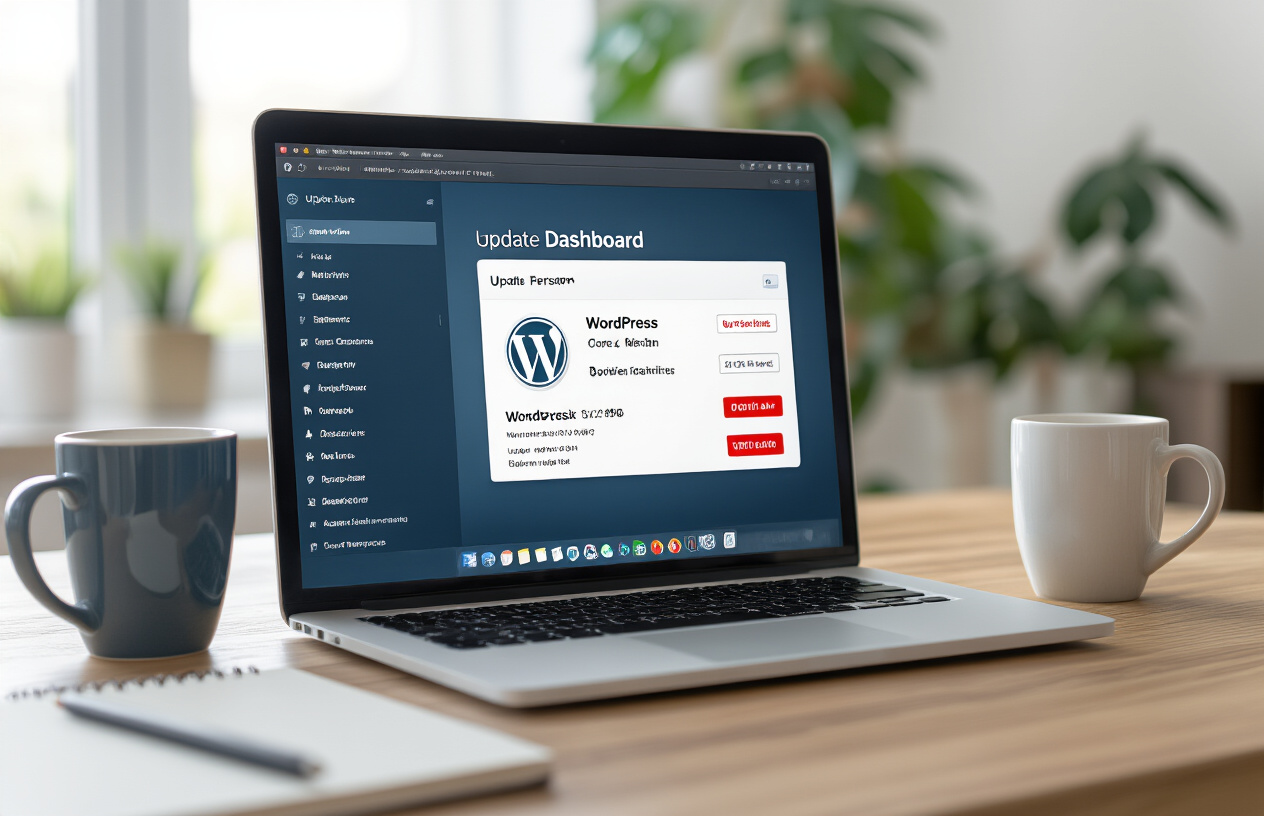
Create a realistic image of a computer screen displaying the WordPress dashboard with update notifications visible, showing WordPress core version and plugin updates available, with a clean modern office desk setup including a laptop, coffee mug, and notebook in the background, soft natural lighting from a window, professional workspace atmosphere, focus on the screen showing the update interface with red notification badges indicating available updates, absolutely NO text should be in the scene.

Keep WordPress Core Files Current with Latest Security Patches

WordPress releases regular updates that patch security vulnerabilities, fix bugs, and improve performance. Outdated WordPress installations are prime targets for hackers who exploit known vulnerabilities in older versions. Every week that passes without updating increases your risk exponentially.

Security patches typically address critical flaws like SQL injection vulnerabilities, cross-site scripting (XSS) attacks, and authentication bypasses. When WordPress developers discover these issues, they work quickly to release fixes, but the protection only works if you actually install the updates.

Check your WordPress version by navigating to your admin dashboard and looking at the bottom right corner or going to Dashboard > Updates. If you see an available update notification, don’t delay – schedule the update during low-traffic hours to minimize any potential disruption.

Before updating, always create a complete backup of your website files and database. Most quality hosting providers offer one-click backup tools, or you can use plugins like UpdraftPlus or BackupBuddy to automate this process.

Update All Plugins to Their Newest Versions

Plugins extend WordPress functionality but also create additional entry points for attackers. Each plugin you install adds code that hackers can potentially exploit. Outdated plugins are responsible for roughly 60% of all WordPress security breaches.

Popular plugins like contact forms, SEO tools, and e-commerce solutions are frequent targets because they’re widely used and often contain complex code. Even well-maintained plugins occasionally have security flaws that require immediate patching.

Review your plugin list regularly and remove any plugins you’re not actively using. Every inactive plugin still poses a security risk if it contains vulnerabilities. For plugins you keep, establish a weekly update routine:

  • Check the Plugins page in your WordPress admin for update notifications
  • Read plugin changelogs to understand what each update addresses
  • Test updates on a staging site first if possible
  • Monitor your site after updates to ensure everything works correctly

Some plugin developers release emergency security patches outside their normal update schedule. Subscribe to security blogs like WPScan or Wordfence to stay informed about critical vulnerabilities affecting popular plugins.

Upgrade Themes to Eliminate Known Vulnerabilities

WordPress themes control your site’s appearance and functionality, but they can also harbor security vulnerabilities. Theme files have access to your database and can execute PHP code, making them attractive targets for malicious attacks.

Free themes from unknown developers pose higher risks because they often lack proper security reviews and ongoing maintenance. Some malicious actors deliberately create themes with backdoors or hidden malware. Stick to themes from reputable developers or the official WordPress repository.

Premium themes typically receive better security support, but they’re not immune to vulnerabilities. Popular themes like Avada, Divi, or Elementor occasionally require security updates due to newly discovered flaws.

When updating themes, be aware that customizations might be lost if you’ve modified theme files directly. Use child themes for customizations to preserve your changes during updates. If you’ve made direct modifications to a parent theme, document these changes and re-apply them after updating.

Enable Automatic Updates for Critical Security Fixes

WordPress includes automatic update functionality for minor releases and security patches. This feature runs in the background and applies critical security fixes without requiring manual intervention. While some website owners worry about automatic updates breaking their sites, the security benefits usually outweigh the risks.

You can configure different levels of automatic updates:

Update TypeRisk LevelRecommendation
Core security patchesLowEnable always
Minor core updatesLowEnable for most sites
Major core updatesMediumManual review recommended
Plugin updatesVariableEnable selectively
Theme updatesMediumManual review preferred

To enable automatic updates for WordPress core security fixes, add this code to your wp-config.php file:

define( 'WP_AUTO_UPDATE_CORE', 'minor' );

For plugin automatic updates, you can enable them individually from your plugins page or use a security plugin to manage update policies more granularly. Consider enabling automatic updates for well-established plugins from trusted developers, but exercise caution with newer or less popular plugins.

Set up email notifications for automatic updates so you know when they occur. Most WordPress installations automatically send emails when core updates are applied, but you can configure additional notifications for plugin and theme updates using security plugins or custom code.

Regular monitoring after automatic updates helps catch any issues quickly. Check your site’s front-end and admin areas weekly to ensure everything functions properly after updates are applied.

Implement Strong Authentication Measures

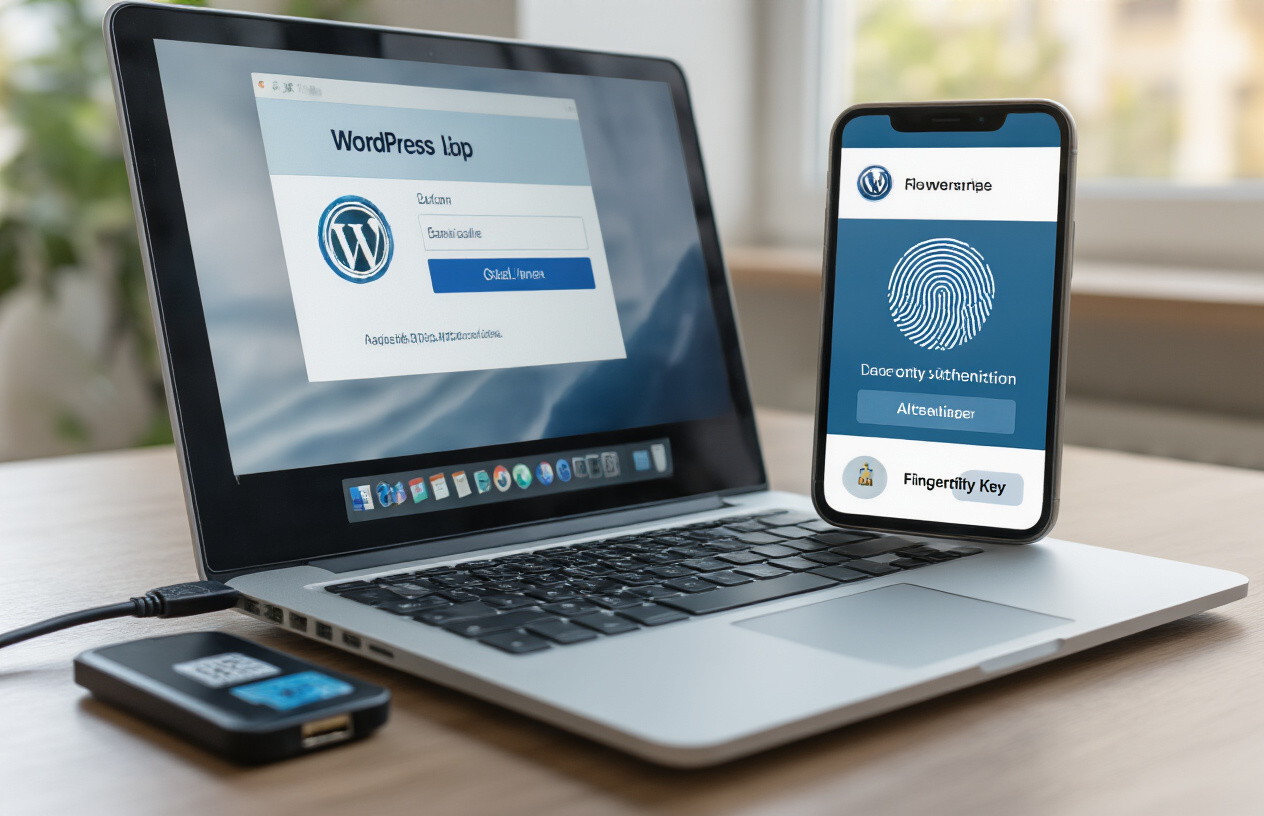
Create a realistic image of a close-up view of a laptop computer screen displaying a WordPress login interface with two-factor authentication elements visible, including a smartphone lying beside the laptop showing an authentication app with a security code, a USB security key plugged into the laptop, and a fingerprint scanner integrated into the laptop, set on a modern office desk with soft natural lighting from a window, emphasizing cybersecurity and digital protection through multiple authentication layers, absolutely NO text should be in the scene.

Create complex passwords with special characters and numbers

Strong passwords are your first line of defense against hackers trying to break into your WordPress site. A weak password is like leaving your front door unlocked – it’s an open invitation for trouble. You need passwords that are at least 12 characters long and include a mix of uppercase letters, lowercase letters, numbers, and special characters.

Think of passwords as unique fingerprints for your accounts. Each one should be completely different and impossible to guess. Avoid using personal information like birthdays, pet names, or common words that hackers can easily figure out. Instead, create passwords that look random but are memorable to you.

Here’s a simple method for creating strong passwords: take a sentence you’ll remember, then transform it. For example, “My favorite coffee shop opens at 7am!” becomes “Mf$oA7!” when you use the first letter of each word, replace “shop” with “$”, and keep the numbers and punctuation.

Password managers make this whole process much easier. Tools like LastPass, 1Password, or Bitwarden can generate complex passwords for you and store them securely. You only need to remember one master password, and the manager handles everything else.

Change default admin username from “admin” to unique identifier

WordPress sites come with “admin” as the default username, and every hacker knows this. Using this default username makes their job incredibly easy because they only need to guess your password instead of both your username and password. It’s like wearing a name tag that says “Rob me!”

Changing your admin username creates an extra layer of security that many website owners overlook. When hackers try automated attacks against WordPress sites, they typically start by targeting accounts named “admin”. If your site doesn’t have that username, their automated tools will fail right from the start.

If you already have an “admin” account, you’ll need to create a new administrator account with a different username, then delete the old one. Choose something unique that doesn’t obviously relate to you or your business. Avoid usernames like your domain name, business name, or your actual name.

Make your new username unpredictable but memorable. You could combine random words, add numbers, or use a completely made-up name. The goal is to make it something only you would know, not something hackers could guess by looking at your website or social media.

Enable two-factor authentication for all user accounts

Two-factor authentication (2FA) adds a second security checkpoint that dramatically improves your WordPress security. Even if hackers manage to steal your password, they still can’t access your account without the second factor – usually a code sent to your phone or generated by an app.

Setting up 2FA is easier than most people think. You can use plugins like Google Authenticator, Authy, or Wordfence to add this protection to your WordPress site. These tools generate time-sensitive codes that change every 30 seconds, making it nearly impossible for hackers to break in.

The most common 2FA method involves downloading an authenticator app on your smartphone. When you log in to your WordPress dashboard, you’ll enter your regular password, then open the app to get a six-digit code. This code proves that you have physical access to your phone, not just your password.

Don’t limit 2FA to just admin accounts. Enable it for all users who have access to your WordPress dashboard, including editors, authors, and contributors. The more accounts you protect, the fewer opportunities hackers have to find their way in.

Limit login attempts to prevent brute force attacks

Brute force attacks happen when hackers use automated tools to guess your login credentials by trying thousands of password combinations. Without protection, they can make unlimited attempts until they eventually get lucky. Login limiting stops these attacks by blocking users after a certain number of failed attempts.

Most security plugins include login limiting features that you can customize based on your needs. You might allow three failed attempts before triggering a temporary lockout, then increase the lockout time for repeat offenders. Some plugins can even permanently ban IP addresses that show suspicious behavior.

The lockout periods create a significant roadblock for automated attacks. While legitimate users might occasionally mistype their password, hackers’ bots rely on rapid-fire attempts. When they hit your login limits, their attacks become impractical and they usually move on to easier targets.

You can also set up email notifications for failed login attempts, so you’ll know when someone is trying to break into your site. This early warning system helps you spot potential security threats and take additional protective measures if needed.

Choose Reliable Hosting and SSL Protection for WordPress Security

Create a realistic image of a modern server rack with blue LED lights in a professional data center, featuring a prominent green SSL padlock icon floating above the servers, with ethernet cables neatly organized, clean white background with soft ambient lighting, conveying security and reliability in web hosting infrastructure, absolutely NO text should be in the scene.

Select hosting provider with robust security features

Your hosting provider forms the foundation of your WordPress security strategy. A reliable host implements multiple layers of protection that serve as your first line of defense against malicious attacks. Look for providers that offer server-level firewalls, intrusion detection systems, and regular security monitoring as standard features.

When evaluating hosting options, prioritize providers that maintain up-to-date server software and operating systems. Outdated server environments create vulnerabilities that hackers actively exploit. Quality hosts also provide automatic malware scanning and removal services, which can catch threats before they compromise your site.

Consider managed WordPress hosting if your budget allows. These specialized services focus exclusively on WordPress security, offering features like automatic updates, staging environments for safe testing, and expert WordPress support teams. Many managed hosts also implement advanced caching and CDN integration, which can help mitigate DDoS attacks while improving site performance.

Install SSL certificate for encrypted data transmission

SSL certificates encrypt data traveling between your website and visitors’ browsers, protecting sensitive information from interception. Modern browsers flag non-SSL sites as “not secure,” which damages user trust and search engine rankings. Most hosting providers now include free SSL certificates through Let’s Encrypt, making this protection accessible for every website.

The installation process varies by hosting provider, but many offer one-click SSL activation through their control panels. After installation, verify that your SSL certificate works correctly by checking for the padlock icon in your browser’s address bar. You should also update your WordPress settings to use HTTPS URLs and implement 301 redirects to automatically send HTTP traffic to the secure HTTPS version of your site.

For e-commerce sites or those handling sensitive customer data, consider upgrading to Extended Validation (EV) SSL certificates. These provide additional verification and display your company name in the browser’s address bar, offering extra credibility and trust signals to visitors.

Configure secure file permissions on server

Proper file permissions prevent unauthorized access to your WordPress files and directories. WordPress requires specific permission settings to function correctly while maintaining security. Files should typically use 644 permissions, while directories need 755 permissions. Your wp-config.php file, which contains sensitive database credentials, should have 600 permissions for maximum protection.

Many hosting providers set these permissions correctly by default, but you should verify them manually. Access your server through FTP or your hosting control panel’s file manager to check and modify permissions as needed. Avoid using 777 permissions, which grant full access to everyone and create serious security vulnerabilities.

Some hosts provide automated tools for setting WordPress file permissions correctly. These tools scan your installation and apply the appropriate permissions to all files and folders, saving time and reducing the risk of human error.

Enable regular automated backups

Automated backups serve as your safety net when security breaches occur. Configure your hosting provider’s backup system to create daily backups of both your website files and database. Store these backups in multiple locations, including off-site storage, to protect against server failures or widespread attacks.

Most quality hosting providers include automated backup services, but verify that your plan includes adequate backup frequency and retention periods. Daily backups with at least 30 days of retention provide good protection for most websites. High-traffic sites or those with frequent content updates may benefit from more frequent backup schedules.

Test your backup restoration process regularly to ensure backups work when needed. Many website owners discover their backups are corrupted or incomplete only when attempting to restore after an attack. Schedule quarterly restore tests using a staging environment to verify backup integrity without affecting your live site.

Install Essential Security Plugins for WordPress Security

Create a realistic image of a close-up view of a computer monitor displaying the WordPress admin dashboard with the plugins installation page open, showing security plugin icons and installation buttons, with a person's hands typing on a keyboard in the foreground, modern office desk setup with clean lighting, professional workspace atmosphere, focus on the screen showing plugin management interface with shield and lock icons visible, warm ambient lighting from the side, absolutely NO text should be in the scene.

Add comprehensive security scanner plugin for WordPress Security

Security scanner plugins act as your website’s digital bodyguards, constantly checking for vulnerabilities and threats. These tools run comprehensive scans that examine your files, database, and code for signs of malicious activity or security weaknesses.

Wordfence Security stands out as one of the most trusted WordPress security solutions. This plugin offers real-time threat detection, scanning over 50,000 malicious IP addresses and URLs daily. The scanning engine checks for malware, backdoors, SEO spam, and code injections that could compromise your site’s integrity.

Sucuri Security provides another excellent option with its cloud-based scanning technology. The plugin monitors your website 24/7 and sends instant alerts when suspicious activity occurs. Its database includes millions of known malware signatures, making detection incredibly accurate.

When configuring your security scanner, schedule automatic scans to run daily during low-traffic hours. Enable email notifications so you receive immediate alerts about potential threats. Most quality scanners allow you to customize scan depth – choose comprehensive scans that examine all files, not just core WordPress files.

The scanner should also check file integrity by comparing your current files against clean versions. Any unauthorized changes trigger alerts, helping you catch problems before they escalate. Look for plugins that scan themes and plugins separately, as these are common entry points for attackers.

Configure firewall protection to block malicious traffic

Website firewalls create a protective barrier between your site and potential attackers. They filter incoming traffic and block requests that match known attack patterns, preventing malicious visitors from even reaching your server.

WordPress security firewalls operate at different levels. Application-level firewalls analyze HTTP requests and block those containing suspicious code or patterns. Network-level firewalls examine IP addresses and block traffic from known malicious sources.

Popular firewall plugins like Wordfence include both capabilities. The application firewall inspects form submissions, URL requests, and file uploads for malicious content. It blocks common attack vectors like SQL injection attempts, cross-site scripting (XSS), and brute force login attempts automatically.

Configure your firewall to block traffic from countries where you don’t do business. This simple step eliminates a significant portion of automated attacks. Set up rate limiting to prevent rapid-fire requests that indicate bot activity.

The firewall should also implement geoblocking features, allowing you to restrict access based on geographic location. Enable real-time IP blacklisting that automatically blocks addresses showing suspicious behavior patterns.

Custom firewall rules let you block specific types of requests. Create rules that prevent access to sensitive files like wp-config.php or block requests containing suspicious parameters. Advanced firewalls can even analyze user behavior patterns to identify potential threats.

Set up malware detection and removal tools for WordPress Security

Malware detection goes beyond basic scanning to identify sophisticated threats that might slip past traditional security measures. Modern malware often disguises itself within legitimate code, making detection challenging without specialized tools.

Install plugins that offer behavioral analysis capabilities. These tools monitor how your website functions and identify unusual activities that might indicate malware presence. They track file changes, database modifications, and unexpected network connections.

MalCare and Sucuri offer powerful malware removal services that combine automated detection with human expertise. Their scanning engines use machine learning algorithms to identify new malware variants that haven’t been cataloged yet.

Set up file integrity monitoring that creates checksums of your important files. Any unauthorized changes trigger immediate alerts. This feature helps catch malware that modifies existing files rather than creating new ones.

Configure your detection tools to monitor outbound connections. Malware often tries to communicate with external servers to download additional payloads or send stolen data. Blocking these connections can prevent further damage.

Enable quarantine features that automatically isolate suspected malicious files. This prevents the malware from executing while allowing you to investigate and remove threats safely. The best tools also create backups before making any changes, ensuring you can restore your site if something goes wrong.

Regular malware signature updates keep your detection tools current with the latest threats. Choose plugins that update their databases multiple times daily to stay ahead of evolving attack methods.

Secure Database and File Structure for WordPress Security

Create a realistic image of a computer server room with multiple database servers and file storage systems, featuring secure metal server racks with locked panels, organized cable management, and glowing status lights indicating active security monitoring, set against a clean modern data center environment with proper ventilation and professional lighting, showing digital security elements like encryption symbols and firewall icons floating subtly around the hardware, absolutely NO text should be in the scene.

Change Default Database Table Prefix from “wp_” for WordPress Security

WordPress assigns “wp_” as the default table prefix during installation, which creates a major security vulnerability. Hackers know this standard convention and can easily target your database tables using automated scripts. Changing this prefix adds a crucial layer of protection to your WordPress security strategy.

When you modify the table prefix, you’re essentially disguising your database structure from malicious bots that scan websites looking for standard WordPress configurations. Pick something unique like “mysite_2024_” or “blog_secure_” instead of the predictable default.

To change the prefix on an existing site, you’ll need to update the wp-config.php file first. Look for the line $table_prefix = 'wp_'; and replace “wp_” with your chosen prefix. After saving the file, use phpMyAdmin or your hosting control panel to rename all existing database tables to match the new prefix.

Warning: Always backup your database before making these changes. One wrong move could break your entire website.

Hide wp-config.php File from Public Access

The wp-config.php file contains your website’s most sensitive information, including database credentials, security keys, and other critical configuration data. By default, this file sits in your WordPress root directory where it could potentially be accessed by attackers.

Move your wp-config.php file one directory level above your WordPress installation. WordPress automatically looks for this file in the parent directory if it doesn’t find it in the root folder. This simple relocation makes the file much harder for hackers to reach.

You can also add extra protection by placing a .htaccess rule that explicitly denies access to the file:

<files wp-config.php>
order allow,deny
deny from all
</files>

Some hosting providers offer additional server-level protection for this file, but don’t rely solely on their measures. Taking personal responsibility for securing your configuration file gives you better control over your WordPress security.

Disable File Editing Through WordPress Dashboard

WordPress includes a built-in file editor that lets you modify theme and plugin files directly from the admin dashboard. While convenient for quick fixes, this feature creates a massive security risk. If hackers gain access to your admin area, they can inject malicious code directly into your website files.

Add this line to your wp-config.php file to completely disable the file editor:

define('DISALLOW_FILE_EDIT', true);

This single line of code removes the editor from your dashboard entirely, eliminating the risk of unauthorized code injection through the admin interface. Professional developers rarely use the built-in editor anyway, preferring FTP or staging environments for file modifications.

Remove Unnecessary Files and Folders for WordPress Security

WordPress installations often contain files and folders that serve no purpose in production environments but create potential security vulnerabilities. The readme.html file, for example, displays your WordPress version number to anyone who visits yoursite.com/readme.html, giving hackers valuable information about potential vulnerabilities.

Delete these files immediately after installation:

  • readme.html
  • license.txt
  • wp-config-sample.php
  • Any unused themes and plugins

Check your /wp-content/uploads/ directory regularly for suspicious files. Hackers sometimes upload malicious scripts disguised as images or documents. Set proper file permissions on your directories: 755 for folders and 644 for files prevents unauthorized modifications while maintaining functionality.

Consider removing the WordPress version number from your site’s meta tags and RSS feeds. Add this code to your theme’s functions.php file:

remove_action('wp_head', 'wp_generator');

Every unnecessary file you eliminate reduces your website’s attack surface, making it harder for hackers to find entry points into your system.

Monitor and Maintain Website Security

Create a realistic image of a modern computer workstation showing a desktop monitor displaying WordPress security dashboard with graphs and analytics, surrounded by security monitoring tools including a smartphone with security alerts, a tablet showing website status, magnifying glass, shield icon symbols, and security checklist on paper, set on a clean white desk in a professional office environment with soft natural lighting from a window, emphasizing vigilant website monitoring and maintenance activities, absolutely NO text should be in the scene.

Scan for malware and vulnerabilities weekly for WordPress Security

Running regular security scans keeps your WordPress site protected from hidden threats that could compromise your website’s integrity. Weekly scans help catch problems early, before they can cause serious damage to your site or steal sensitive information.

Choose automated scanning tools that check for malware, backdoors, and known vulnerabilities. Many WordPress security plugins offer this feature, scanning your files, database, and core WordPress installation for suspicious code or unauthorized changes. Set up these scans to run automatically every week, preferably during low-traffic periods to avoid affecting site performance.

Pay special attention to file integrity monitoring, which alerts you when core WordPress files have been modified unexpectedly. This early warning system helps detect compromise attempts before they fully succeed. Review scan results promptly and investigate any flagged items, even if they seem minor.

Consider using multiple scanning methods for comprehensive coverage. External scanners can spot issues that internal tools might miss, while internal scans provide deeper access to your file system. Popular options include Sucuri, Wordfence, and MalCare, each offering different strengths in malware detection and removal.

Review user accounts and remove inactive users for WordPress Security

User account management plays a crucial role in maintaining WordPress security. Regularly audit your user list to identify accounts that no longer need access to your website. Inactive or unnecessary user accounts create potential entry points for attackers who might compromise old credentials. Contact us for any questions or assistance you may need

Start by reviewing all user roles and permissions monthly. Remove users who have left your organization or no longer require access. Downgrade permissions for users whose responsibilities have changed, following the principle of least privilege. An editor who now only writes content shouldn’t retain administrative access.

Check for suspicious user accounts that you don’t recognize. Look for usernames with random characters, generic names like “admin” or “user,” or accounts created on dates when you weren’t adding legitimate users. These could indicate successful intrusion attempts.

Update your user management policy to include regular cleanup procedures. Document who has access, why they need it, and when to review their permissions. This systematic approach prevents account accumulation and reduces your attack surface significantly.

Check security logs for suspicious activity

Security logs provide valuable insights into attempted attacks and actual security breaches. Regular log analysis helps you understand your site’s threat landscape and respond quickly to potential issues.

Most WordPress security plugins maintain detailed logs of login attempts, file changes, and suspicious activities. Review these logs weekly, looking for patterns like repeated failed login attempts from specific IP addresses, unusual file modifications, or access attempts during off-hours.

Focus on these key indicators:

  • Multiple failed login attempts from the same IP
  • Successful logins from unfamiliar locations
  • File uploads to unexpected directories
  • Database queries that seem unusual
  • 404 errors for admin or sensitive files

Set up alerts for critical security events so you can respond immediately to potential threats. Many security plugins allow customizable notifications for specific types of activities, helping you balance awareness with alert fatigue.

Keep logs for at least 30 days to identify trends and investigate incidents thoroughly. Longer retention periods help with forensic analysis if you discover a breach weeks after it occurred.

Test website backups for successful restoration

Creating backups means nothing if you can’t restore them when needed. Regular backup testing ensures your recovery process works correctly and your data remains intact and accessible during emergencies.

Schedule monthly restoration tests using a staging environment or separate server. Download your backup files and attempt a complete site restoration, checking that all functionality works properly. Verify that your database, media files, themes, and plugins all restore correctly.

Test different backup types if you use multiple backup solutions. Database-only backups restore differently than full-site backups, and each method might have unique requirements or limitations. Practice restoring specific components like individual posts or user data to prepare for partial recovery scenarios.

Document your restoration process step-by-step, including any special requirements or common issues you encounter. This documentation becomes invaluable during actual emergencies when stress and time pressure might cause you to forget important details.

Store backup test results and update your backup strategy based on what you learn. If certain files consistently fail to restore or if the process takes too long, adjust your backup configuration or consider alternative solutions that better meet your recovery time objectives.

Create a realistic image of a secure digital fortress-like structure made of code and binary numbers forming protective walls around a glowing WordPress logo shield in the center, with cybersecurity elements like digital locks, encrypted data streams, and firewall barriers surrounding it, set against a dark blue technological background with subtle circuit patterns and soft blue lighting emanating from the protected WordPress core, conveying a sense of complete digital security and protection, absolutely NO text should be in the scene.

Conclusion

Your WordPress website doesn’t have to be an easy target for hackers. By keeping your core software and plugins updated, setting up strong passwords with two-factor authentication, and choosing a hosting provider that takes security seriously, you’re already ahead of most website owners. Adding SSL certificates and trusted security plugins creates multiple layers of protection that make cybercriminals think twice before targeting your site.

The real secret to WordPress security isn’t any single magic solution – it’s staying consistent with the basics and regularly checking your website’s health. Set aside time each month to review your security plugins, update your components, and monitor your site for any unusual activity. Your website is worth protecting, and these steps will keep it running safely while you focus on what matters most: creating great content and growing your business. Contact us for any questions or assistance you may need

Businesses

WordPress vs Framer vs Wix: Which is Best for Businesses?

This guide dives deep into a head-to-head comparison, focusing on key factors like ease of use, customization, SEO, scalability, and cost. By the end, you’ll have clarity on which tool empowers your business to thrive in 2025 and beyond. In the fast-paced world of digital business, having a robust online presence is non-negotiable. Whether you’re a startup launching your first site or an established company scaling operations, selecting the right website builder can make or break your success. With options like WordPress, Framer, and Wix dominating the market, businesses often struggle to decide which platform aligns best with their goals.

Understanding the Platforms: A Quick Overview for Businesses

Before we break down the details, let’s outline what each platform brings to the table for business users.

  • WordPress: As an open-source content management system (CMS), WordPress powers over 40% of the web. It’s ideal for businesses seeking full control, from simple blogs to complex e-commerce sites. With plugins like WooCommerce and Elementor, it transforms into a versatile powerhouse.
  • Framer: Originally a design prototyping tool, Framer has evolved into a no-code website builder favored by creative businesses. It emphasizes stunning visuals, animations, and interactive elements, making it perfect for modern startups and marketing-focused sites.
  • Wix: This all-in-one drag-and-drop builder is designed for simplicity, bundling hosting, templates, and tools into one package. It’s a go-to for small businesses wanting a professional site without technical headaches.

Each platform caters to different business needs, but the best choice depends on your size, budget, and growth ambitions.

Ease of Use: Getting Your Business Site Up and Running

For busy business owners, time is money. Ease of use determines how quickly you can launch and maintain your site.

  • Wix shines here with its intuitive drag-and-drop editor. No coding required—just pick a template, customize, and publish. Businesses can have a site live in hours, complete with built-in features like appointment scheduling and online stores.
  • Framer offers a design-centric interface that feels like working in Figma. It’s user-friendly for those with some design experience, allowing quick prototyping and AI-assisted layouts. However, non-designers might face a slight learning curve.
  • WordPress is more hands-on. While plugins like Elementor add visual editing, setup involves choosing hosting, installing themes, and managing updates. It’s rewarding for businesses willing to invest time but less ideal for absolute beginners.

If your business prioritizes speed over complexity, Wix takes the lead. For creative teams, Framer’s tools streamline the process without sacrificing polish.

Businesses

Customization and Design: Tailoring to Your Business Brand

A website should reflect your business identity, and customization is key to standing out.

  • WordPress offers unmatched flexibility. With thousands of themes and plugins, you can build anything—from membership sites to custom dashboards. Businesses can integrate advanced features like CRM tools or AI chatbots seamlessly.
  • Framer excels in visual design, providing responsive layouts, smooth animations, and interactive components. It’s fantastic for businesses in creative industries, enabling high-converting landing pages that wow visitors.
  • Wix provides solid templates and apps, but customization hits walls. You’re locked into their ecosystem, making major changes tricky without redesigning from scratch.

For businesses needing bespoke solutions, WordPress is unbeatable. Framer suits those focused on aesthetics, while Wix works for straightforward branding.

SEO and Performance: Driving Businesses Traffic and Conversions

Search engine optimization (SEO) is vital for business visibility, as higher rankings mean more leads and sales.

  • WordPress leads with superior SEO tools. Plugins like Yoast or Rank Math handle meta tags, schema markup, and site speed optimizations. Paired with fast hosting, it’s scalable for content-heavy business sites.
  • Framer delivers strong technical SEO out of the box, including server-side rendering for quick load times and built-in metadata controls. It’s optimized for performance, helping businesses track conversions via integrated analytics.
  • Wix has improved its SEO features, offering guides and tools for basics like alt text and sitemaps. However, its JavaScript reliance can slow page speeds, limiting it for SEO-intensive businesses.

Businesses aiming for long-term organic growth will favor WordPress or Framer. Wix suffices for local or small-scale operations but may require extra effort for competitive keywords.

Scalability: Growing with Your Business Needs

As your business expands, your website must keep pace without costly migrations.

  • WordPress is built for scalability. It handles high traffic, complex data, and integrations effortlessly. Businesses can upgrade hosting or add plugins as they grow, making it suitable for enterprises.
  • Framer supports moderate scaling with its CMS and A/B testing features. It’s great for startups evolving into mid-sized businesses but may falter for massive e-commerce setups.
  • Wix is affordable for starters but struggles with advanced needs. Template lock-in and limited features can force businesses to switch platforms as they outgrow it.

If scalability is a priority for your business, WordPress offers the most future-proof path.

Pricing: Budgeting for Businesses Success

Cost is a critical factor for any business investment.

PlatformStarting Price (Monthly)Key InclusionsBest For
WordPress₦7k – ₦20k (hosting) + optional plugins/themes (₦10k–₦40k one-time)Unlimited customization, SEO pluginsCost-effective scaling
Framer₦10k (personal) to ₦50k+ (business plans)AI design, CMS, analyticsDesign-focused budgets
Wix₦20k– ₦80kHosting, templates, appsAffordable quick starts

WordPress keeps ongoing costs low for self-managed businesses. Framer’s tiers cater to growing teams, while Wix bundles everything in predictable plans.

Pros and Cons: A Balanced View for Business Decision-Makers

WordPress

  • Pros: Ultimate flexibility, top-tier SEO, community support.
  • Cons: Maintenance required, potential security risks if not updated.

Framer

  • Pros: Stunning designs, fast builds, built-in growth tools.
  • Cons: Limited for non-visual sites, fewer third-party integrations.

Wix

  • Pros: Beginner-friendly, all-in-one convenience.
  • Cons: Scalability limits, less advanced customization.

Final Verdict: Choosing the Best Platform for Your Businesses

Ultimately, the “best” website builder hinges on your business specifics. For versatile, scalable sites with full control—think e-commerce or content-driven enterprises—WordPress is the gold standard. If your business thrives on innovative design and quick launches, like startups or agencies, Framer delivers exceptional value. For small businesses seeking simplicity without the fuss, Wix gets you online fast and affordably.

At PAUL ICT HUB NIGERIA, we specialize in helping businesses navigate these choices with expert guidance and custom development. Ready to build a site that drives results? Contact us today to discuss your needs.

Bank Apps

Bank Apps: 7 Ways Yahoo Boys Can Hack Your Bank App

In this article, you will find out 7 Ways Yahoo Boys Can Hack and Empty Your Bank Apps: Stay Protected in Nigeria’s Digital Age. In today’s fast-paced digital world, mobile banking apps have revolutionized how Nigerians manage their finances. From transferring funds to paying bills, everything is just a tap away. But with convenience comes risk, especially from notorious “Yahoo Boys,” a term often used for cybercriminals in Nigeria who specialize in online fraud and scams. These fraudsters are constantly evolving their tactics to hack into bank apps and drain accounts, leaving victims devastated.

If you’re searching for ways to protect your bank account from Yahoo Boys or curious about common hacking methods in Nigeria, you’re in the right place. This blog post from PAUL ICT HUB NIGERIA breaks down 7 common ways these scammers operate. We’ll keep it high-level to raise awareness without diving into specifics—knowledge is your best defense! By understanding these threats, you can safeguard your hard-earned money. Let’s dive in.

1. Phishing Scams: The Classic Bait and Hook

Phishing remains one of the most prevalent tactics used by Yahoo Boys to trick users into revealing sensitive information. They send fake emails, SMS, or social media messages pretending to be from your bank, urging you to click a link or provide login details due to an “urgent issue.” Once you fall for it, they gain access to your bank app credentials and can initiate unauthorized transactions.

Pro Tip: Always verify messages directly through your bank’s official app or website—never click suspicious links.

2. Malware Infections: Silent Invaders on Your Device (Bank Apps)

Yahoo Boys often distribute malicious software (malware) through infected apps, downloads, or even public Wi-Fi networks. This malware can run in the background, capturing keystrokes, screenshots, or app data. In Nigeria, where free Wi-Fi spots are common in cafes and hubs, this method is particularly sneaky, allowing scammers to monitor your banking activities and empty your account without you noticing.

Pro Tip: Install reputable antivirus software and only download apps from trusted sources like Google Play or the App Store.

3. SIM Swapping: Hijacking Your Phone Number

By using social engineering or bribed insiders, fraudsters can convince telecom providers to transfer your phone number to a new SIM card under their control. Since many bank apps rely on SMS-based two-factor authentication (2FA), this gives them the power to intercept verification codes and reset your passwords, leading to full account takeover.

Pro Tip: Switch to app-based or hardware 2FA methods, and monitor your SIM for unusual activity with your provider.

4. Fake Bank Apps: Impersonating the Real Deal

Scammers create counterfeit versions of popular Nigerian bank apps, distributing them via phishing sites or third-party app stores. Unsuspecting users download these fakes, enter their real credentials, and hand over access on a silver platter. With rising mobile banking adoption in Nigeria, this tactic preys on those seeking “updated” or “faster” versions of official apps.

Pro Tip: Stick to official app stores and enable auto-updates to ensure you’re using the legitimate version.

5. Shoulder Surfing and Physical Spying

In crowded places like markets, buses, or ATMs in Lagos or Abuja, Yahoo Boys might simply watch over your shoulder as you enter PINs or passwords. They could use hidden cameras or accomplices to capture this info, later using it to access your bank app on a stolen or unlocked device.

Pro Tip: Use privacy screens on your phone and be aware of your surroundings when handling sensitive transactions.

6. Social Engineering: Manipulating Trust

This involves building fake relationships online—often through dating apps, social media, or job offers—to extract personal details like BVN (Bank Verification Number), OTPs, or security questions. Yahoo Boys are masters of persuasion, using emotional stories to convince victims to share info that unlocks bank apps.

Pro Tip: Never share financial details with strangers online, and verify identities through multiple channels.

7. Keyloggers and Remote Access Tools

Advanced fraudsters deploy keylogging software or remote access trojans (RATs) via compromised emails or downloads. These tools record every tap on your phone, including bank app logins, allowing scammers to replicate your actions and transfer funds discreetly.

Pro Tip: Regularly update your device’s OS and apps to patch vulnerabilities that these tools exploit.

Final Thoughts: Empower Yourself Against Yahoo Boys From Hijacking Your Bank Apps

Yahoo Boys’ hacking methods are clever, but they’re not invincible. By staying vigilant and adopting strong cybersecurity habits, you can significantly reduce your risk. At PAUL ICT HUB NIGERIA, we’re committed to empowering Nigerians with ICT knowledge, whether through our training programs, workshops, or resources on digital security.

Remember: Use strong, unique passwords; enable biometric logins; monitor your accounts regularly; and report suspicious activity to your bank immediately. If you’ve been a victim, contact Nigeria’s EFCC (Economic and Financial Crimes Commission) for support.

Share this post if it helped you, and subscribe to our blog for more tips on protecting your digital life. What other cybersecurity topics do you want us to cover? Drop a comment below!

Public Wi-Fi

Public Wi-Fi: Why You Should Stop Using Public Wi-Fi

In this article, you will discover Why You Should Stop Using Public Wi-Fi And What to Use Instead

Every day, millions of people connect to free public Wi-Fi at coffee shops, airports, hotels, malls, and even public parks. It feels convenient, until it isn’t. In 2025, using unsecured public Wi-Fi is one of the fastest ways to expose your personal data, banking details, passwords, and private photos to cybercriminals.

Here’s why you need to stop using public Wi-Fi right now and what safer alternatives actually work

1. Public Wi-Fi Is a Hacker’s Playground

Most public networks are unencrypted or poorly secured. This means:

  • Anyone on the same network can potentially intercept your traffic using simple, free tools like Wireshark.
  • “Evil twin” attacks are rampant: Hackers set up fake Wi-Fi hotspots with names like “Starbucks_Guest” or “Airport_Free_WiFi” that look legitimate.
  • Man-in-the-middle (MITM) attacks let attackers see everything you do — from emails to login credentials.

According to the 2024 Norton Cyber Safety Insights Report, 39% of people worldwide have experienced a cybercrime directly linked to public Wi-Fi.

2. Your Sensitive Data Is Exposed in Plain Text in Public Wi-Fi

When you log into your bank, Gmail, or shopping apps over public Wi-Fi without protection:

  • Passwords can be stolen in seconds.
  • Session cookies can be hijacked (allowing hackers to access your accounts without needing your password).
  • Credit card numbers and personal messages travel unprotected.
Public Wi-Fi
Public Wi-Fi

Even sites with “HTTPS” aren’t always safe, older protocols and misconfigured sites still leak data.

3. Free VPNs Aren’t Saving You (Most Are Worse)

Many people think using a “free VPN” solves the problem. Unfortunately:

  • 38% of free Android VPN apps contain malware (Source: CSIRO research).
  • Many free VPNs log and sell your browsing data.
  • Some don’t encrypt traffic properly or use outdated protocols.

If it’s free, you’re probably the product.

4. Real-World Consequences People Faced

  • Travelers had $10,000+ drained from bank accounts after using airport Wi-Fi.
  • Remote workers lost corporate credentials after connecting at co-working spaces.
  • Individuals fell victim to ransomware after downloading “software updates” pushed through fake hotspots.

These aren’t rare edge cases, they happen daily.

How to Stay Safe: Simple Rules

  1. Turn off auto-connect and “Share my connection” features on your phone and laptop.
  2. Never access sensitive sites only on cellular data or trusted home/work networks.
  3. Use a reputable paid VPN with these must-have features:
    • Kill switch
    • AES-256 encryption
    • No-logs policy (independently audited)
    • WireGuard or Lightway protocol
    • Recommended options: ExpressVPN, NordVPN, Mullvad, ProtonVPN, Surfshark
  4. Enable two-factor authentication (2FA) everywhere — especially app-based or hardware keys (not SMS).
  5. Use a password manager with auto-fill only over secure connections.
  6. Turn your phone into a secure hotspot, modern unlimited plans make personal hotspots faster and safer than public Wi-Fi.

The Bottom Line

It isn’t “free” you’re paying with your privacy and security.

Treating every public network as hostile is no longer paranoia; it’s basic digital hygiene.

Stop risking your data for the sake of convenience. One hacked account, one stolen identity, or one ransomware demand will cost far more than a $5–12/month VPN subscription ever will.

Protect yourself today, your future self (and your bank account) will thank you. Share with that friend who always joins “Free Wi-Fi” and save their account today! Contact Us Now

Stay safe out there. 🔒

Leave a comment if you find this useful or you have something to contribute

professional website

Professional Website: How to Build a Website Under 120K

Why You Need a Website

In today’s digital-first world, a website is your online office. Whether you run a business, blog, or e-commerce store, having a professional website in Nigeria offers huge benefits

  • Builds credibility and trust with customers
  • Improves visibility on Google and other search engines
  • Provides 24/7 access to your products or services
  • Enhances digital marketing campaigns
  • Supports online payments and e-commerce

Cost Breakdown: Build a Website in Nigeria Under ₦120,000

Here’s a realistic budget plan for 2025/2026:

1. Domain Name (₦8,000 – ₦22,000/year)

Your domain is your web address (e.g., www.paulict.com.ng).

  • Affordable options: .com.ng, .ng, .com
  • Where to buy: Whogohost, Hostinger, DomainKing, QServers
  • SEO Tip: Choose a short, memorable, keyword-rich domain name.

2. Hosting (₦7,000 – ₦20,000/year)

Hosting keeps your website online. Choose the best hosting providers Nigeria

  • Best budget hosting in Nigeria: Hostinger, Whogohost, QServers
  • Look for free SSL, fast servers, 24/7 support, and 99% uptime.

3. Website Builder (₦0 – ₦25,000)

No coding required—use a CMS.

  • WordPress.org (Free) – best for business sites
  • Wix – beginner-friendly
  • Shopify – ideal for e-commerce

For a simple business or portfolio site, WordPress is free and offers full flexibility.

4. Professional Theme (₦0 – ₦15,000)

Your theme defines your site’s look

  • Free themes: Astra, Kadence, Neve, OceanWP
  • Premium themes: ThemeForest, Divi, GeneratePress

5. Web Designer (Optional: ₦40,000 – ₦60,000)

Hiring a designer gives your site a polished look.

  • Small business site: ₦40k – ₦70k+
  • Blog: ₦35k – ₦65k+
  • E-commerce: ₦80k+ (Negotiable)

If you choose to design the website yourself you’ll spend ₦0 here

professional website

6. Total Cost Estimate

ItemsPrice Range
Domain Name₦8,000 – ₦22,000
Hosting₦7,000 – ₦20,000
Professional Theme ₦0 – ₦15,000
Web Designer (Optional)₦40,000 – ₦60,000
Total (Design it Yourself)₦15,000 – ₦62,000
Total (With Designer)₦55,000 – ₦117,000

Step-by-Step Guide to Building Your Professional Website

Step 1: Decide Your professional Website Type

Business site, blog, portfolio, e-commerce, school, or church website

Step 2: Install WordPress for your professional website

Most hosting providers offer one-click installation

Step 3: Customize Your Theme for your professional website

Adjust header, fonts, colors, menus, and logo.

Step 4: Add Essential Plugins for your professional website

  • Rank Math SEO / Yoast SEO
  • Elementor
  • WPForms
  • LiteSpeed Cache
  • Wordfence Security

Step 5: Create Core Pages

Home, About, Services, Contact, Blog, Privacy Policy, Terms & Conditions pages

professional website

let the pros handle it so you get a website that actually converts visitors into paying customers.

That’s why thousands of smart Nigerian entrepreneurs choose PAUL ICT HUB NIGERIA.

Why PAUL ICT HUB NIGERIA wins every time:

  • Complete professional website delivered in 5–10 days
  • Mobile-responsive, super-fast, and already SEO-optimized
  • Free .com.ng domain + 1 year hosting included in most packages
  • Payment in 2–3 installments (no stress)
  • 1 month free support + training on how to update your site yourself
  • Prices start from just ₦50,000 – ₦100,000 (yes, everything included!)

Real clients: Fashion brands in Lagos, private schools in Abuja, businesses in Port Harcourt, consultants, restaurants, and real estate companies — all making sales because of their PAUL ICT HUB website. Get In Touch Now or Meet The CEO

Maintenance Tips For Professional Website

To keep your site fast, secure, and SEO-friendly:

  • Update plugins and themes regularly
  • Backup weekly (UpdraftPlus, Jetpack)
  • Compress images (TinyPNG, ShortPixel)
  • Check broken links monthly
  • Use SSL and strong passwords
  • Monitor traffic with Google Analytics
  • Publish fresh content often

Conclusion

Building a professional website in Nigeria under ₦120,000 is achievable in 2025/2026. With affordable hosting, free tools like WordPress, and smart maintenance, you can create a secure, mobile-friendly, and SEO-ready site that grows your business.

Training & Education

Training & Education: Empowering Minds With Digital Skills

At PAUL ICT HUB NIGERIA, we believe that Training & Education are the cornerstones of personal and professional growth. In today’s fast-evolving digital world, staying ahead means constantly upgrading your skills and knowledge. That’s why we offer comprehensive training and education services tailored to meet the needs of students, professionals, and entrepreneurs across Nigeria.

Why Training & Education Matter

The demand for digital skills is growing rapidly. Whether you’re looking to start a new career, grow your business, or stay competitive in your industry, investing in training & education is essential. It opens doors to new opportunities, boosts confidence, and equips you with the tools to succeed in a tech-driven economy.

Our Training & Education Services

At PAUL ICT HUB NIGERIA, we offer a wide range of practical, hands-on training programs designed to meet real-world demands. Our services include:

  • ICT & Computer Literacy: Learn the basics of computer operations, Microsoft Office, and internet navigation.
  • Graphics Design: Master tools like CorelDRAW, Photoshop, and Canva to create stunning visual content.
  • Web & App Development: Build websites and mobile apps from scratch using modern programming languages and frameworks.
  • Digital Marketing: Understand SEO, social media marketing, email campaigns, and online advertising.
  • Entrepreneurship & Business Skills: Learn how to start, manage, and grow a successful business in the digital age.

Why Choose PAUL ICT HUB NIGERIA

  • Experienced Instructors: Our trainers are industry professionals with real-world experience.
  • Hands-On Learning: We focus on practical skills that you can apply immediately.
  • Flexible Learning Options: Choose between in-person classes or virtual sessions to suit your schedule.
  • Affordable Fees: Quality training & education shouldn’t be out of reach—we offer budget-friendly packages.
  • Certification: Receive recognized certificates to boost your resume and credibility

Your Future Starts Here

Whether you’re a student seeking new skills, a job seeker aiming to stand out, or a business owner looking to empower your team, our training programs are designed to help you thrive.

Get Started Today

Join the growing number of Nigerians transforming their lives through Training at PAUL ICT HUB NIGERIA. Let’s help you unlock your full potential and achieve your goals.

Contact us now to enroll or learn more about our training & education programs

App Development

App Development: Transform Your Ideas into Reality

In today’s digital era, having a mobile or web application is no longer a luxury, it’s a necessity. At PAUL ICT HUB NIGERIA, we specialize in App Development services that help businesses, startups, and entrepreneurs bring their ideas to life with innovative, user-friendly, and scalable applications.

Why App Development Matters

Whether you’re running an e-commerce store, a logistics company, a school, or a healthcare service, a well-designed app can revolutionize how you connect with your audience. It allows you to offer seamless user experiences, improve customer engagement, and stay ahead in a competitive market.

Our App Development Services

At PAUL ICT HUB NIGERIA, we offer end-to-end app development solutions tailored to your business goals. Our services include:

  • Mobile App Development: We build responsive and intuitive Android and iOS apps that deliver top-notch performance.
  • Web App Development: From simple platforms to complex web applications, we create solutions that are fast, secure, and scalable.
  • UI/UX Design: Our design team ensures your app is not only functional but also visually appealing and easy to navigate.
  • App Maintenance & Support: We provide ongoing updates, bug fixes, and performance optimization to keep your app running smoothly.
  • Custom Solutions: Need something unique? We develop custom apps tailored to your specific industry and user needs

Why Choose PAUL ICT HUB NIGERIA for App Development

  • Experienced Developers: Our team is skilled in the latest programming languages and frameworks.
  • Client-Focused Approach: We work closely with you from idea to launch, ensuring your vision is fully realized.
  • Affordable Pricing: We offer competitive rates without compromising on quality.
  • Timely Delivery: We understand the importance of deadlines and deliver projects on time, every time.

Empowering Nigerian Businesses Through Technology

Our mission is to empower local businesses and individuals with cutting-edge digital solutions. With our services, you can automate processes, reach more customers, and scale your operations efficiently

Let’s Build Something Great Together

Have an app idea or need a digital solution for your business? Let PAUL ICT HUB NIGERIA be your trusted partner in. We’re ready to turn your vision into a powerful, functional application that drives results.

Contact us today to get started with your custom app development project

Social Media Manager

Social Media Manager: Maximize Your Online Presence

In today’s fast-paced digital world, Social Media is no longer just a place to connect with friends, it’s a powerful business tool. At PAUL ICT HUB NIGERIA, we offer expert Social Media Manager services designed to help businesses grow, engage their audience, and build a strong online presence.

Why Social Media Matters for Your Business

Social media platforms like Facebook, Instagram, Twitter, LinkedIn, and TikTok are where your customers spend their time. With billions of users online daily, social media offers unmatched opportunities to reach your target audience, promote your brand, and drive sales. But to truly stand out, you need more than just random posts, you need a strategy.

What Our Social Media Manager Service Offers

Our dedicated Social Media Manager takes the stress out of managing your online presence. We handle everything from content creation to audience engagement, so you can focus on running your business. Here’s what we provide:

  • Content Planning & Scheduling: We create a monthly content calendar tailored to your brand’s goals and audience.
  • Creative Content Design: Eye-catching graphics, videos, and captions that reflect your brand’s voice.
  • Community Management: We engage with your followers, respond to comments, and build relationships.
  • Performance Tracking: Detailed analytics and reports to measure growth, reach, and engagement.
  • Ad Campaign Management: Strategic ad placements to boost visibility and conversions.

Why Choose PAUL ICT HUB NIGERIA?

We understand the local market and the digital trends that drive results. Our team of skilled social media professionals combines creativity with data-driven strategies to deliver measurable outcomes. Whether you’re a startup, SME, or established brand, our Social Media Manager is trained to meet your unique needs.

Grow Your Brand with Confidence

A strong social media presence builds trust, increases brand awareness, and opens doors to new opportunities. With PAUL ICT HUB NIGERIA by your side, you’ll have a reliable partner to help you navigate the ever-changing world of social media.

Let’s Get Started

Ready to take your social media to the next level? Contact PAUL ICT HUB NIGERIA today and let our Social Media Manager transform your online presence into a powerful business asset.

Reach out to the C.E.O for a free consultation and discover how social media can work for you.